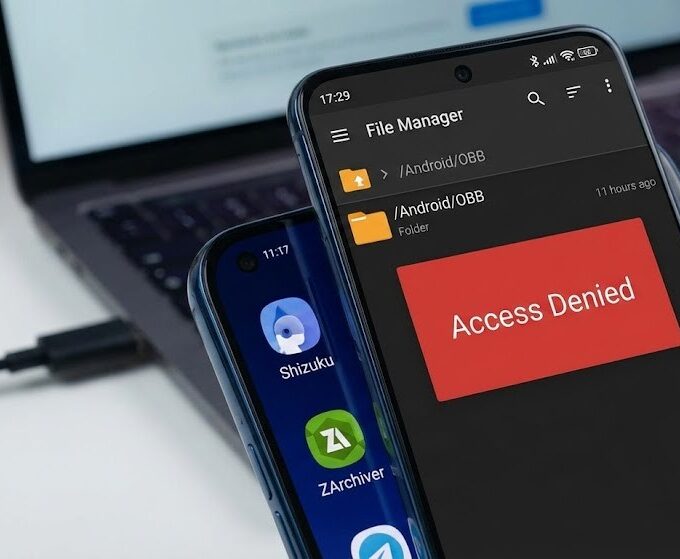




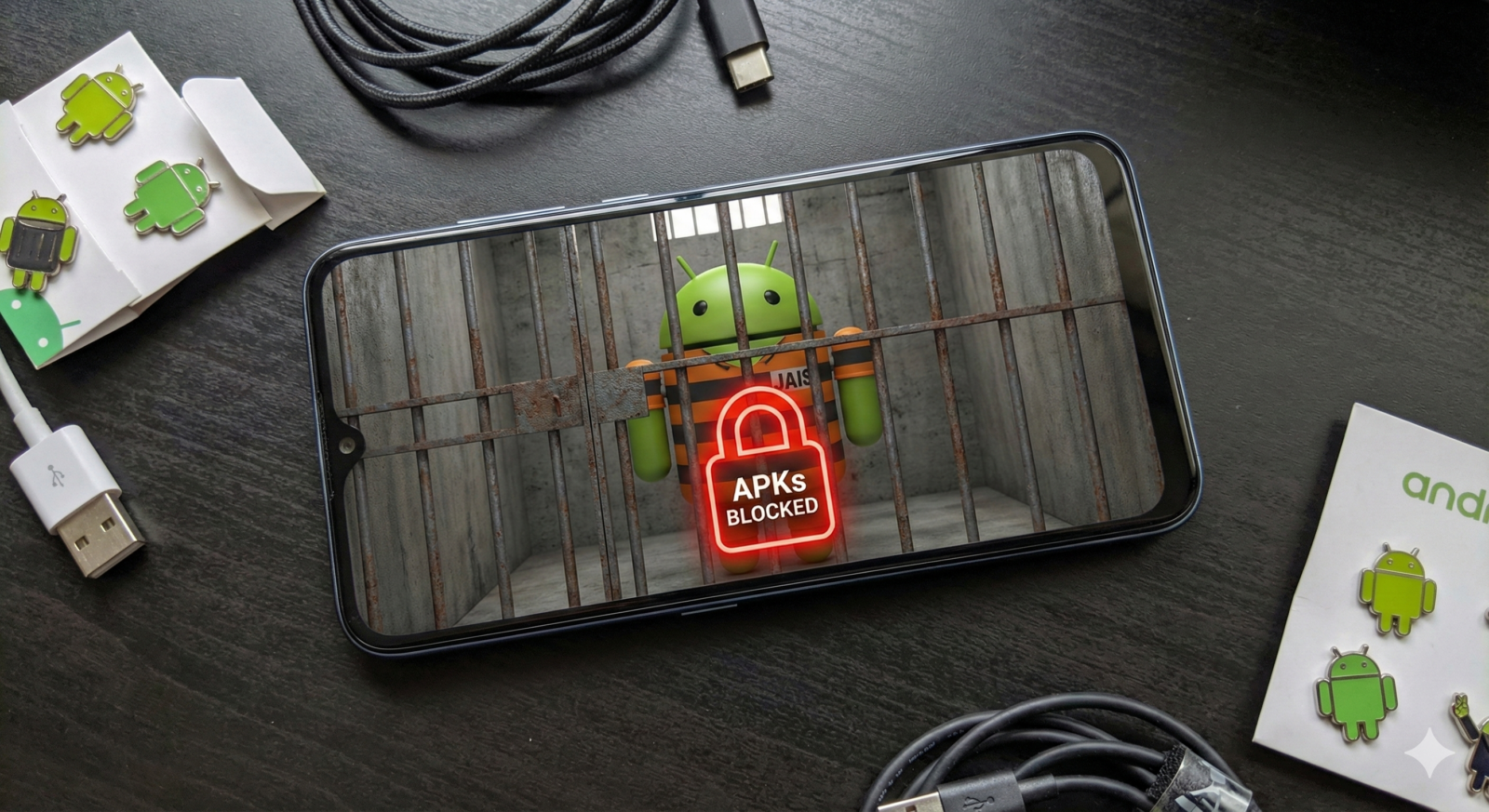
Remember when Android was the open platform? The place where you could download APKs from wherever you wanted, tap “Install,” and watch your app load up without drama? That era ends in 2026, and Google wants you to believe it’s for your own good.
What’s Actually Changing
Starting in 2026, only apps from developers who have undergone verification can be installed on certified Android devices. This applies to everything: the Play Store, third-party app stores, and APKs you download directly from websites.
Here’s the rollout timeline:
| Date | Event |
| October 2025 | Early access begins for developers |
| March 2026 | Verification opens to all developers |
| September 2026 | Rules go live in Brazil, Indonesia, Singapore, Thailand |
| 2027 and beyond | Global rollout continues |
Once these requirements are in effect, any app installed on a certified Android device in these regions must be registered by a verified developer. No verification, no installation. Simple as that.
The Verification Process Nobody Asked For
To distribute apps under the new system, developers must verify their identity through Google’s Android Developer Console. This means:
- Scanning and uploading government-issued ID
- Providing personal contact information
- Paying registration fees
- Agreeing to Google’s terms and conditions
- Registering every app package name with Google
After the September 2026 update, developers will be required to verify their identity, involving a fee, strict terms, and government ID. Even hobbyist developers building simple tools for fun now need to hand over their documents to Google.
The system works through a new service called Android Developer Verifier, which is separate from the familiar Play Protect service. When you try to install an APK, your device performs an online check. App registered with a verified developer? Install proceeds. Not registered? Installation blocked.
Why Google Says This Is Necessary
Google’s official line is security. The company’s analysis found over 50 times more malware from internet-sideloaded sources than on apps available through Google Play. They claim anonymous developers hide behind fake identities to distribute malware, and verification will stop repeat offenders.
The argument sounds reasonable until you notice that Google Play itself has repeatedly hosted malware, proving that corporate gatekeeping doesn’t guarantee user protection. Verified identity doesn’t equal verified safety. A scammer with a stolen ID can pass verification just fine.
What This Actually Kills
F-Droid and Open Source Distribution
F-Droid, the 15-year-old repository of free and open-source Android apps, published a scathing response. If put into effect, the developer registration decree will end the F-Droid project and other free/open-source app distribution sources as they exist today.
The problem is structural. F-Droid compiles apps from source code and signs them with its own keys. Under the new rules, F-Droid cannot require that developers register their apps through Google, but cannot “take over” the application identifiers for the open-source apps they distribute, as that would effectively seize exclusive distribution rights.
Many open-source developers won’t, or can’t, register with Google. Some want to remain anonymous. Others develop as a hobby and won’t pay fees or sign agreements. Even if an app publisher avoids the Google Play Store, they must reveal their identity to make apps installable on Google Android devices.
Everything Else That Made Android Different
The casualties extend beyond F-Droid:
- Regional apps unavailable in your country – That Korean game not in your region? Gone.
- Beta versions and experimental builds – Testing new Instagram features before official release? Not anymore.
- Custom business applications – Small companies distributing internal tools without Play Store hassle will need to verify and register.
- Educational projects – Hobbyist developers who want to share something cool or useful without the burden of shedding their anonymity or committing to user support get shut out.
- Modified apps – MOD apps are unofficially altered, often illegal apps modified by third parties that typically offer services not provided by the original app, such as blocking ads or offering premium services for free. These vanish completely.
The ADB Escape Hatch (For Now)
Here’s the silver lining, if you can call it that: Users will be free to install apps without verification with ADB. Android Debug Bridge is the command-line tool developers use to push apps to devices from a PC.
The process looks like this:
- Enable Developer Options on your device
- Turn on USB Debugging
- Download Android SDK platform tools
- Connect device to computer
- Execute command:
adb install app_name.apk
Installing apps via ADB is as simple as downloading the binary onto a PC, downloading the APK file for an Android app, and then executing a command to push and install the app onto a device. There are even open-source tools for running ADB commands directly on-device.
Google appears to be offering this as a compromise. Allowing installation through ADB would reduce the headache for developers who frequently need to install apps during early development, while deterring most casual users, the most common target for scammers.
But don’t get comfortable. Some users wonder if the real goal is to make sideloading as difficult as possible. Nothing stops Google from restricting ADB installation in the future, and vendors like Xiaomi already have the ability to lock ADB install behind developer mode and signing up at their portal.
What F-Droid and Critics Actually Believe
F-Droid does not believe that developer registration is motivated by security, believing instead it is about consolidating power and tightening control over a formerly open ecosystem. They point out that Play Protect already scans and disables apps identified as malware, regardless of their origin, meaning perceived risks can be mitigated through existing security measures without imposing exclusionary registration requirements.
The timing raises eyebrows, too. The Digital Markets Act is the EU’s law to make markets in the digital sector fairer and more contestable, and F-Droid strongly aligns with its principles. Google’s new policy directly contradicts the spirit of the DMA. Google may argue the policy is strictly necessary and proportionate to ensure third-party software doesn’t endanger system integrity, but this is demonstrably false – trust is not earned by verifying a developer’s legal identity.
F-Droid warns that this system centralizes too much power and could cede digital sovereignty to a single unaccountable corporation.
The Consumer Rights Question
From a consumer rights perspective, users should have the right to install applications of their choice, despite the risks. Android devices are computers that people own. The question becomes: should Google decide what software you can run on hardware you purchased?
If you own a computer, you should have the right to run whatever programs you want on it. That’s the principle Android was built on. The new system flips this model completely.
Sure, most users will never notice. They download everything from the Play Store anyway. But the enthusiasts, developers, and privacy-conscious users who chose Android specifically for its openness? They’re watching their platform transform into the walled garden they deliberately avoided.
What Happens Next
The requirements will first go into effect in September 2026 for users in Brazil, Indonesia, Singapore, and Thailand, with a global rollout planned to continue through 2027. This isn’t tied to Android 16 or any specific version. Google is implementing these restrictions through Google Mobile Services and Play Protect, meaning they can enforce it on virtually all mainstream Android devices running Android 12, 13, 14, 15, or 16.
Your current phone could lose sideloading capabilities through a simple system service update. No Android version upgrade required.
Google claims they’re developing an “advanced flow” where unverified apps can still be installed without jumping through ADB hoops. What this looks like and how it differs from current warnings remains unclear. The lack of clarity is troubling, and by the time we have clarity, the policy will already be in effect.
The Bottom Line
APK sideloading isn’t dying – technically. Google insists sideloading will remain part of Android and people will still be able to install apps from outside the Play Store. But the process transforms from “tap Install” to “verify your identity with Google first” or “learn command-line tools.” For millions of users worldwide, that’s functionally the same as killing it.
The change represents Android’s philosophical shift from open platform to managed ecosystem. Google presents it as protecting users from themselves. Critics see it as consolidating control. Both are probably right.
Consumers purchased Android devices believing they were an open computing platform where they could choose their software. Starting next year, an OS update could irrevocably change that agreement. No vote. No opt-out. Just Google deciding what’s best for you.
The irony? With Google’s own analysis finding 50 times more malware from internet-sideloaded sources than from the Play Store, it’s hard to argue that this change won’t do some good. It probably will protect some users from malware. It will also definitely restrict what all users can install.
Pick your trade-off. Just remember, you don’t actually get to pick – Google already did.