



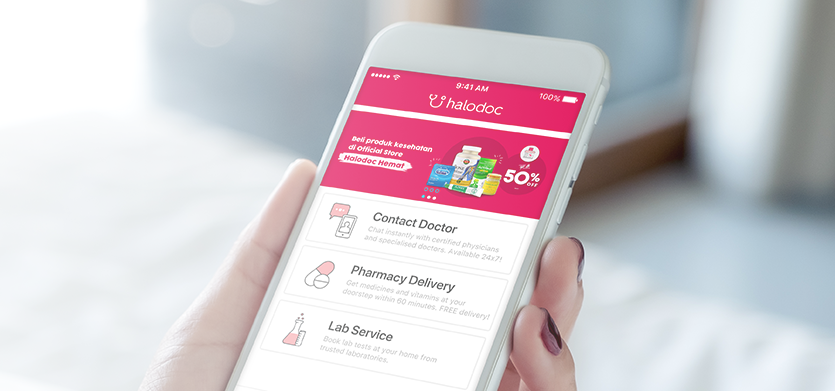
Picture this: You just landed in Bali. You are living your best “Eat, Pray, Love” life until you hit the “Eat” part a little too hard. Now it is 3 AM, you have the infamous “Bali Belly,” and you need activated charcoal and electrolytes immediately.
You open the Google Play Store to download Halodoc – the local “Uber for Doctors” – only to see the dreaded message: “This item is not available in your country.”
Your phone still thinks you are in New York or London, and Google won’t let you switch regions without a local payment method. This is the #1 tech fail for travelers in Southeast Asia.
Here is why sideloading the Halodoc APK (and its companion SATUSEHAT) is the smartest travel insurance you can pack in 2026.
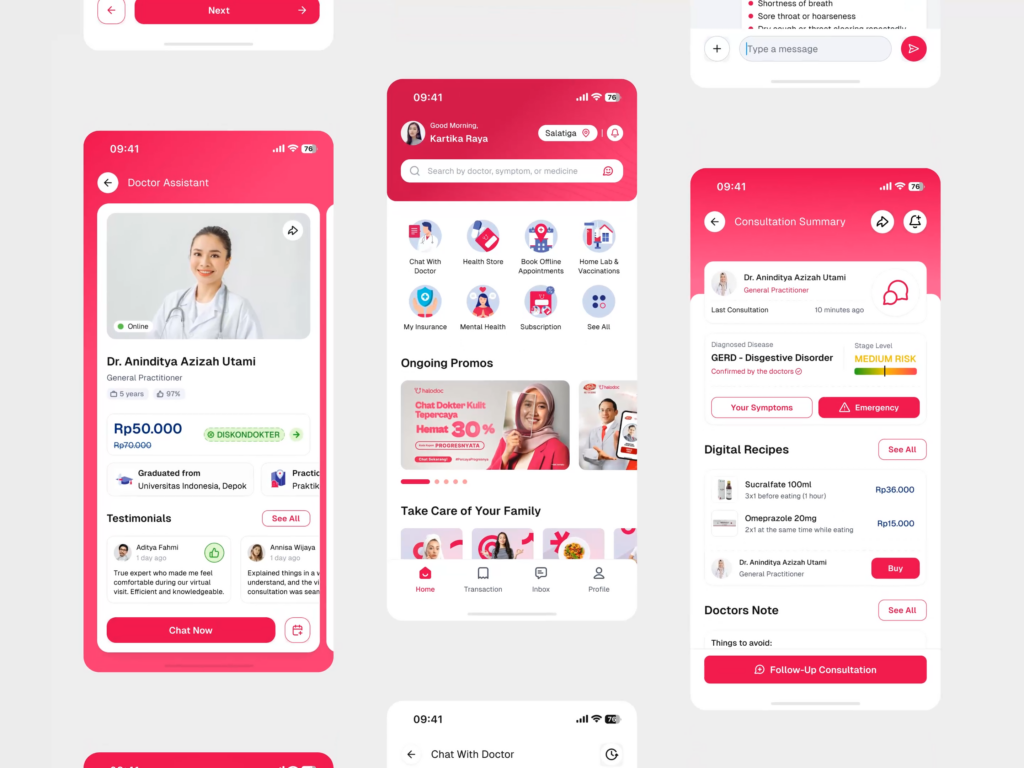
What is Halodoc?
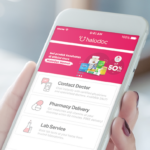
If you are from the West, you are used to waiting weeks for a doctor’s appointment. In Indonesia (and much of SE Asia), Halodoc has completely “Uber-ified” healthcare.
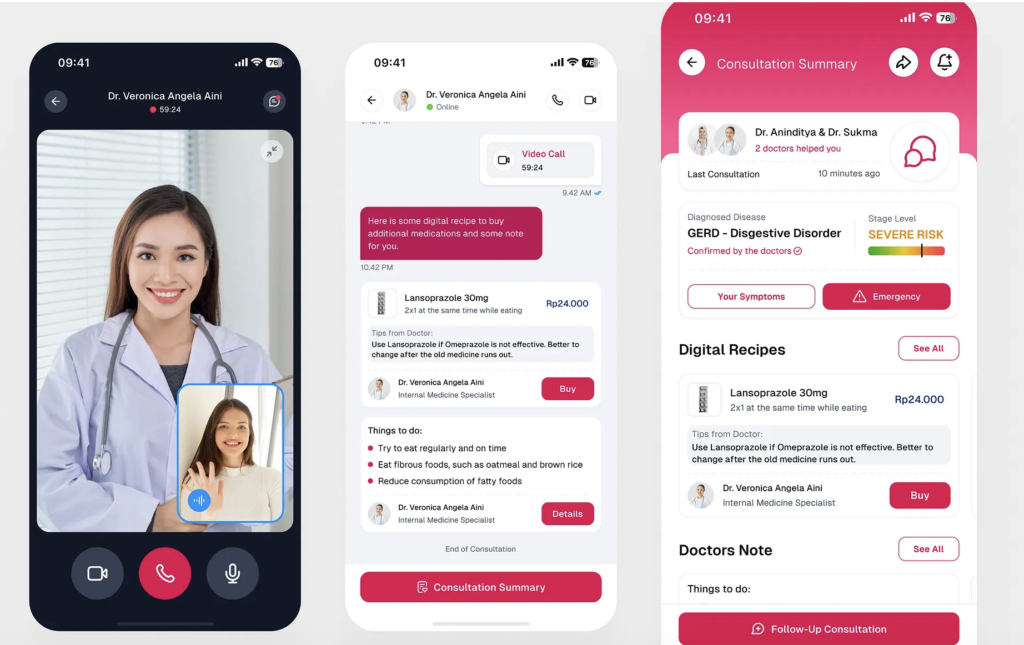
- 24/7 Telemedicine: You can video chat with a general practitioner or specialist in under 5 minutes.
- Instant Pharmacy Delivery: This is the killer feature. After your chat, the doctor issues a digital prescription. A Gojek driver (motorcycle courier) picks up the meds from a nearby pharmacy and drops them at your hotel lobby within an hour.
- English Support: Most doctors on the platform speak excellent English, making it safer than trying to mime your symptoms to a pharmacist who only speaks Bahasa.
The “Region Lock” Problem
So, why do you need to sideload it?
As of early 2026, the Halodoc app is still frequently geofenced on the Google Play Store. If your account is tied to a US or European credit card, the store simply hides the app from you, even if you are physically standing in Jakarta.
By the time you need the app, you are usually too sick to figure out how to create a dummy Gmail account or mess with VPNs. The solution is to bring the APK with you.
How to “Pack” the App (The Safe Way)
Since you are dealing with medical data, you don’t want to download a sketchy modded APK. You want the genuine, unaltered package.
The Pre-Flight Checklist:
- Source It: Go to a reputable archive like APKMirror or APKPure. Search for “Halodoc: Dokter, Obat & Lab”.
- Verify Version: Ensure you are grabbing a version from late 2025 or 2026 (e.g., v29.x or higher) to ensure compatibility with Android 16.
- Install & Update: Sideload it while you are still at home on fast Wi-Fi. Open it once to let it download its internal updates.
Pro Tip: You might need an Indonesian phone number to register fully. Buying a tourist SIM (Telkomsel) at the airport is standard practice, and you can plug that number into the app as soon as you land.
The “Gojek” Connection
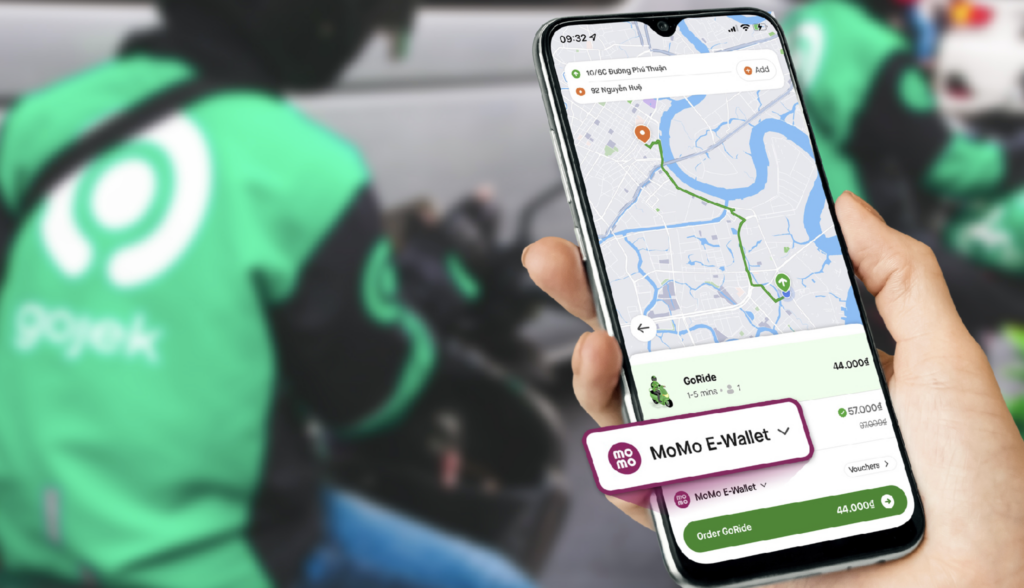
Halodoc doesn’t work alone. It is deeply integrated with Gojek, the Southeast Asian Super-App. While you can often find Gojek on international Play Stores, the integration works best if both apps are native to the region.
Why it matters: If you are too weak to leave your hotel room, you can use Halodoc to order not just prescription meds, but also electrolytes, bottled water, and vitamins. The driver tracks via GPS, so you can see exactly when your relief arrives.
Don’t Forget “SATUSEHAT”
While you are in the sideloading mood, grab the SATUSEHAT APK as well.
Formerly known as PeduliLindungi, this is the Indonesian government’s official health pass app. In 2026, it is still used for accessing certain “Health Pass” venues and keeps your digital vaccination records valid locally. Like Halodoc, it can be finicky about region settings, so having the APK ready saves you a headache at customs.
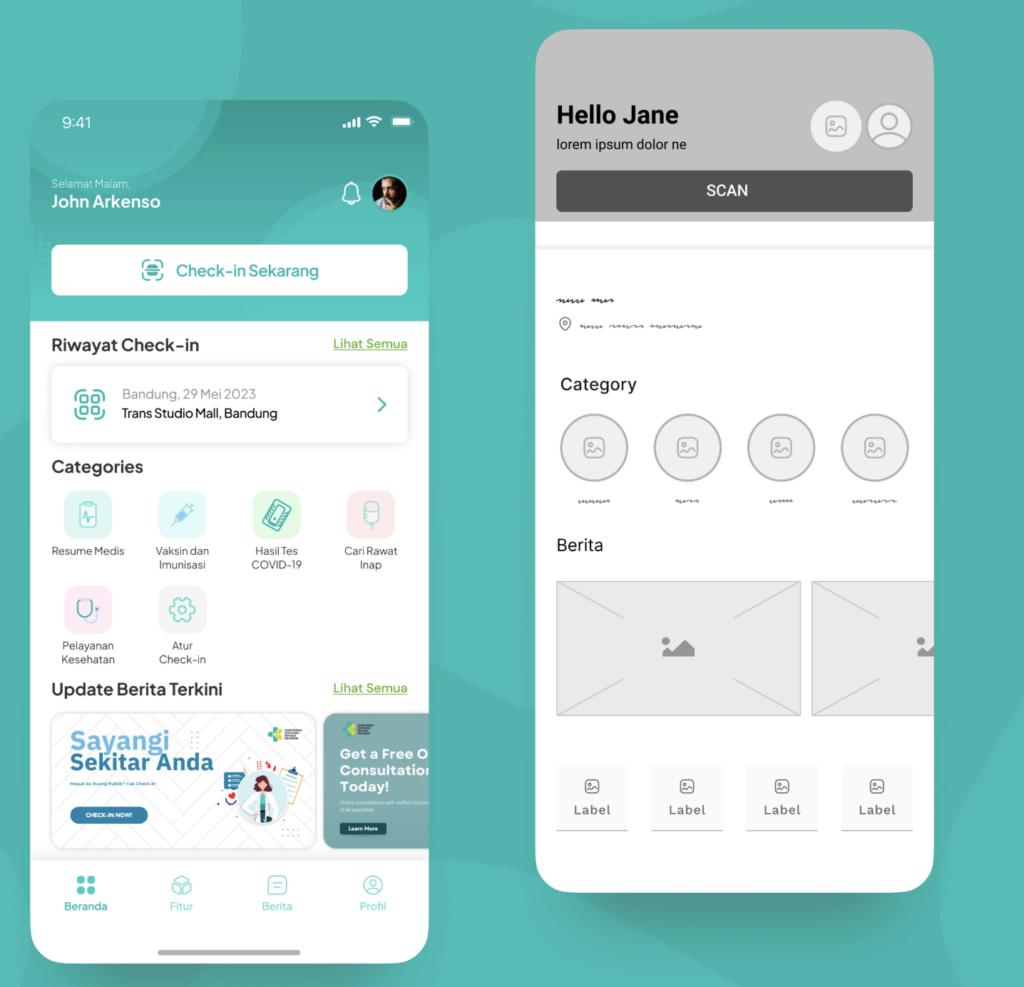
Summary: Your Digital First-Aid Kit
| App | Purpose | Why Sideload? |
| Halodoc | 24/7 Doctor Chat + Med Delivery | Often hidden in US/EU Play Store |
| Gojek | Transport & Logistics (Deliveries) | Essential for the Halodoc integration |
| SATUSEHAT | Gov Health Pass & Vax Records | Required for safe travel/entry |
Traveling in 2026 is about being prepared. You pack medication for your body; pack the Halodoc APK for your phone. It’s the one souvenir you hope you never have to use – but you’ll be a genius if you do.