




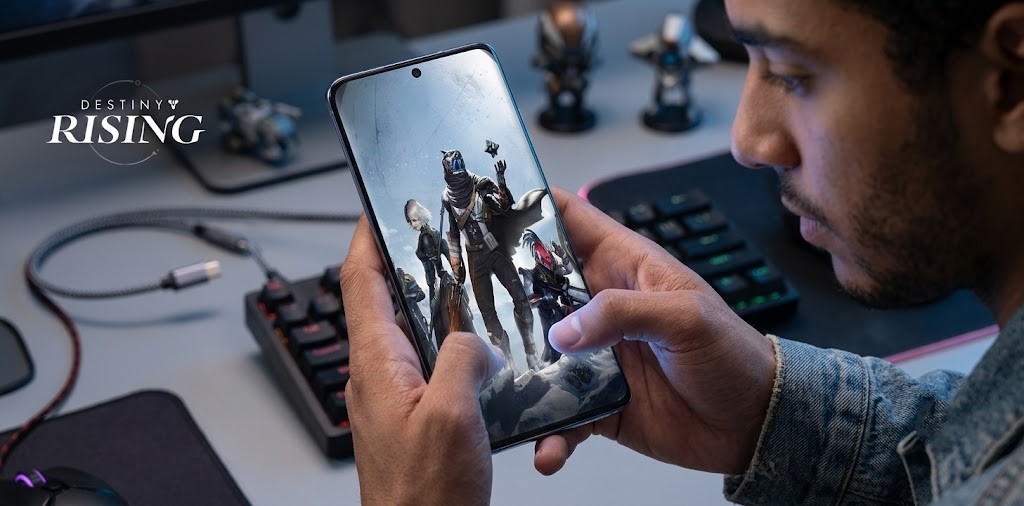
If you follow mobile gaming, you might be looking at this title and thinking, “Wait a minute, didn’t Destiny: Rising officially launch globally last August?”
You are completely right. NetEase and Bungie dropped the highly anticipated mobile shooter on the world in late 2025. However, if you are a hardcore player trying to test out the new Lightbearer classes before anyone else, or if you happen to live in a region where the game is completely blocked, your official Play Store app is practically useless right now.
Because of strict loot box regulations and NetEase’s aggressive testing schedule, the true Destiny: Rising experience in the summer of 2026 is happening off the grid. Here is your ultimate guide to bypassing regional lockouts and accessing the exclusive soft-launch beta servers using an APK.
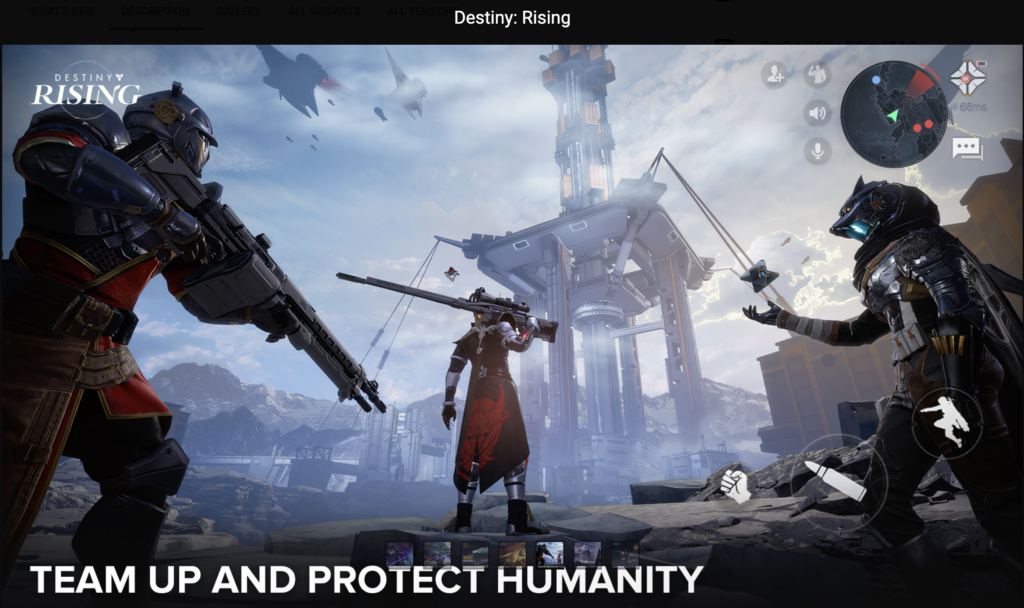
Why We Are Still Sideloading Destiny
There are two major reasons why the official Google Play Store version of Destiny: Rising might not be enough for you today:
- The European Lockout: When the game launched globally, several regions were completely excluded from the rollout due to strict local gaming laws regarding microtransactions and gacha mechanics. If you live in Belgium, the Netherlands, or Austria, you cannot download the game officially.
- The Advanced Test Servers (ATS): NetEase is famous for testing massive game-changing updates—like the rumored upcoming raid mechanics and new character rosters—on dedicated soft-launch beta servers before pushing them to the global player base. These beta tests are usually restricted to specific regions (like Canada or the Philippines) and require a completely separate client to play.
If you want to play from a blocked country or jump into the beta test servers to try unreleased weapons, you need to sideload the APK file yourself.
The Tools You Need to Succeed
Before we start downloading random files off the internet, you need to prepare your Android device. Sideloading a massive AAA mobile shooter is a bit more complicated than installing a basic calculator app.
You will need three specific things to make this work:
- A Reputable APK Installer: Because Destiny: Rising is a massive game, it is not packaged as a single, simple APK file. It is distributed as an App Bundle (.apkm or .xapk). You need an installer like the APKMirror Installer app to stitch the base game and the heavy graphical assets together without crashing your phone.
- A Gaming VPN: If you are trying to access a regional soft-launch beta, the game servers will check your IP address when you log in. You need a reliable VPN routed through the test region (usually Canada or the Philippines) to trick the server into letting you past the login screen.
- Patience for Google Play Protect: As of the latest Android security updates this summer, Google Play Protect is highly aggressive against sideloaded games. You will likely get a warning popup telling you the file is unverified.
“Sideloading a regional beta gives you a massive tactical advantage. By the time the new weapons and characters officially launch globally, you will already know exactly which gear is worth grinding for.”
Step-by-Step Installation Guide
Ready to become a vanguard of the beta servers? Follow these steps carefully to ensure you do not corrupt your installation:
- Source the File: Navigate to a highly trusted repository like APKMirror or APKPure. Search for “Destiny: Rising Beta” or “Destiny: Rising ATS”. Check the version numbers carefully to ensure you are downloading the July 2026 test client, not the base global game.
- Download the Bundle: Download the heavy App Bundle file to your device. Make sure you have at least 15GB of free storage space, as the unpacked assets are incredibly large.
- Install via the Helper App: Open your third-party installer app (like APKMirror Installer). Navigate to your Downloads folder and select the Destiny bundle. Follow the on-screen prompts to compile and install the game.
- Boot Up the VPN: Before you even think about tapping the new Destiny icon on your home screen, turn on your VPN and set it to the target beta region.
- Launch and Update: Open the game. It will likely need to download an additional in-game patch from the NetEase servers. Let it run, create your test account, and jump into the action.

A Warning About Scammers
We need to have a serious talk about digital safety. Because Destiny: Rising is such a massive franchise, scammers are working overtime to trick eager players.
If you see a YouTube video claiming to have a link to a “Free Silver Hack APK” or an “Unlocked Roster Mod,” close the tab immediately. Those files are almost always injected with malware designed to steal your Google account credentials or hijack your phone’s background processing power.
| How to Spot a Fake APK | What to Look For |
| File Size is Too Small | If a AAA shooter APK is only 50MB, it is fake. Real game bundles are measured in Gigabytes. |
| Suspicious Websites | Only use heavily moderated, community-trusted sites. Avoid random mediafire links found in social media comments. |
| Promises of Free Currency | Server-sided games cannot be hacked to give you free premium currency via an APK. It is mathematically impossible. |
Jumping into an exclusive beta test is one of the most exciting parts of mobile gaming. It takes a little bit of technical legwork, but the moment you load into a strike with a completely unreleased weapon in your hands, the effort is entirely worth it.
Have fun out there, Guardian, and keep your files secure.