




It is December 31th, and if you are rocking a Pixel 10 or a Galaxy S25, you might have noticed a massive update hitting your phone earlier this month. The Android 16 QPR2 update (released early December) officially dropped, and while everyone is talking about the new “AI Notification Organizer,” the real game-changer is hidden deep in your settings.
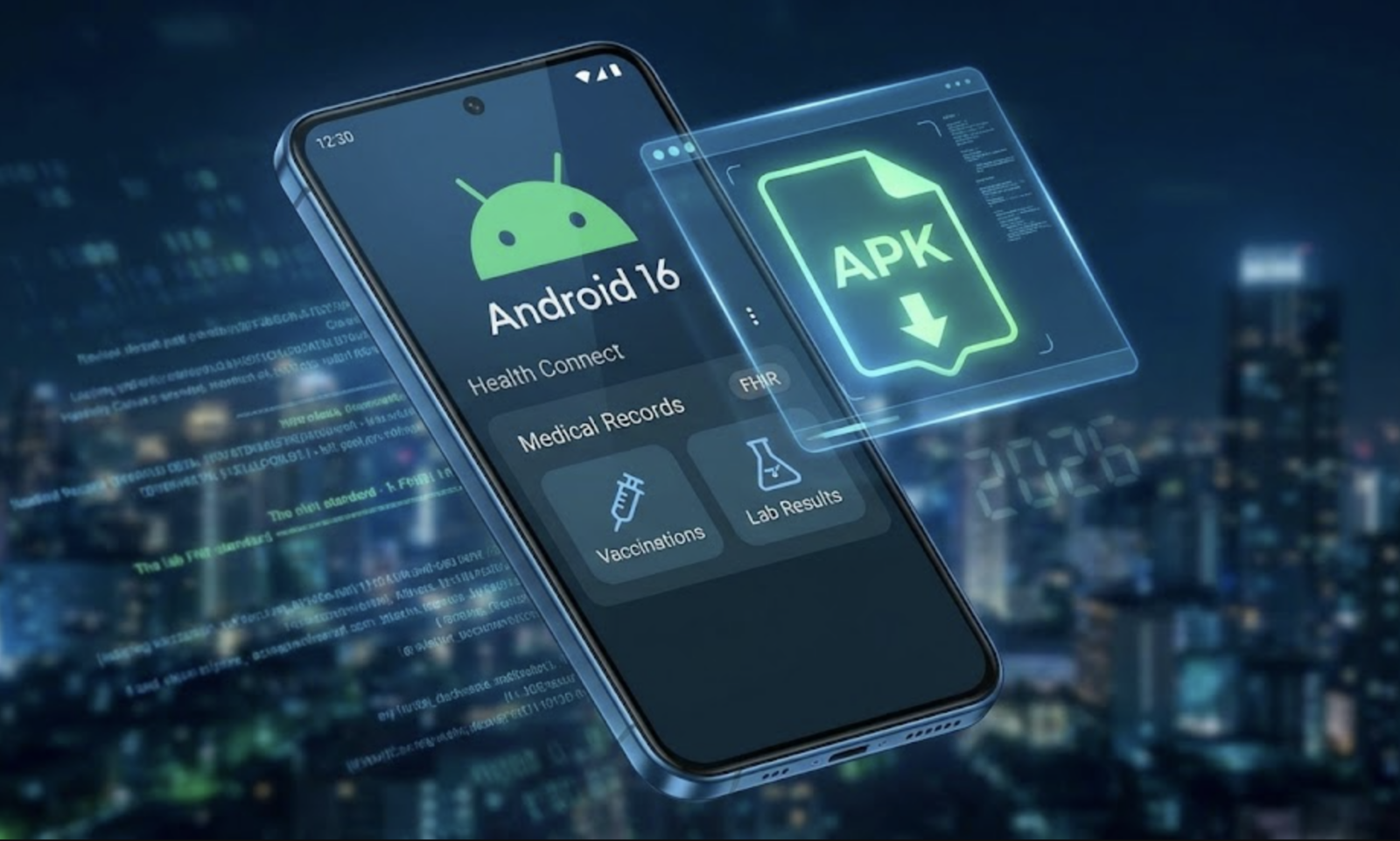
For the first time, Android officially supports Medical Records natively using the FHIR (Fast Healthcare Interoperability Resources) standard.
This means your phone can now store your vaccination history, lab results, and allergy info locally – just like Apple Health has done for years. But, in classic Google fashion, the rollout is a bit… messy. Depending on your region or carrier, you might not see it yet.
Here is the breakdown of the APKs you need to sideload right now to force this feature on before 2026 starts.
1. The Engine: Health Connect (Beta)
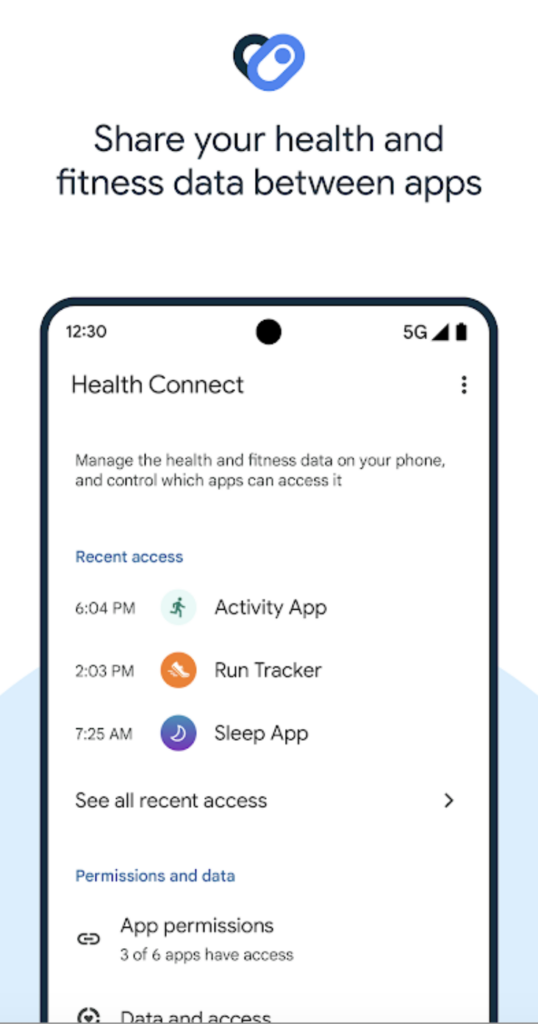
This is the big one. While Health Connect comes pre-installed, the version that ships with your carrier’s OS update often lags behind the “developer” stream.
- Why you need it: The new “Medical Records” APIs are part of Health Connect version 1.1.0-beta02 and higher. If your phone is stuck on the stable release, you won’t see the new “Medical Data” tab in your privacy dashboard.
- What it unlocks: This update adds the underlying support for reading and writing data types like Immunization Records, Lab Results, and Prescriptions directly to your device’s secure enclave.
2. The Dashboard: Fitbit (Latest Beta APK)
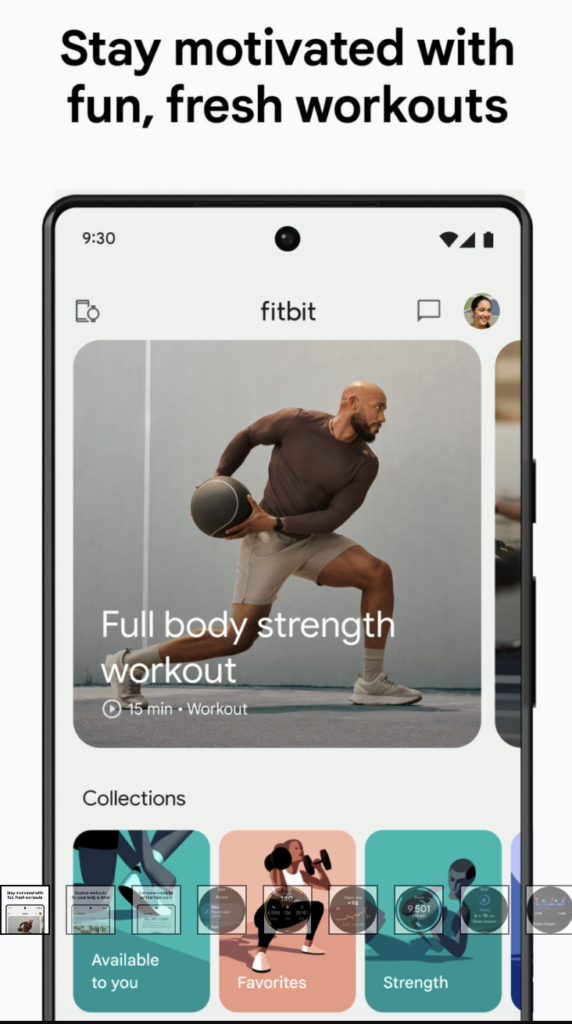
Here is a secret that was buried in code teardowns earlier this year: Fitbit is one of the first major platforms to actually use this new system.
- The Leak: Code strings discovered in the Fitbit APK (version 4.36+) specifically reference the new Android 16 medical record permission screens.
- Why Sideload? Google is likely rolling this out as a “server-side switch” for US users first. By sideloading the very latest beta APK from a trusted repository (like APKMirror), you often force the app to re-check its feature flags, potentially triggering the “Import Medical Records” UI ahead of the global launch.
3. The “Bridge” App: CommonHealth or Fasten
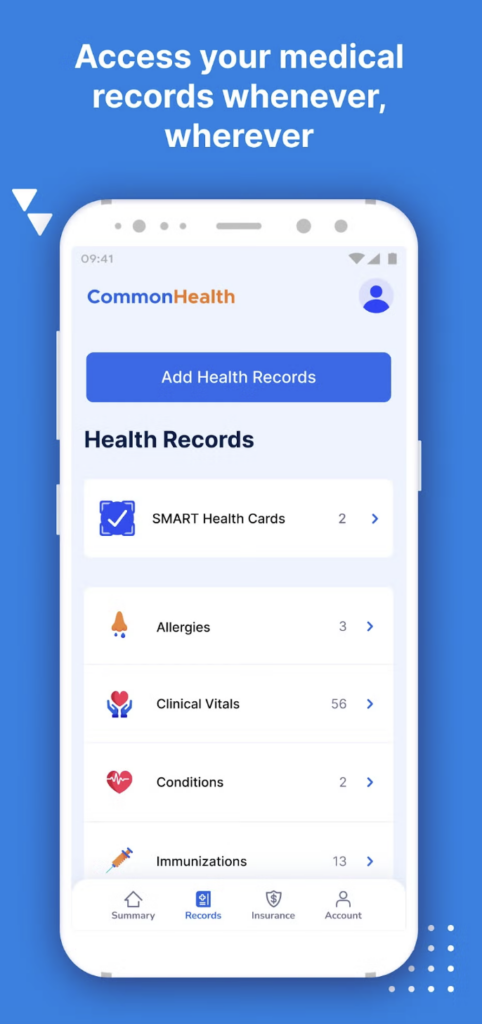
While we wait for every hospital app to update their code for Android 16, you need a “translator.”
- The Issue: Most hospital portals (MyChart, etc.) don’t talk to Android System yet.
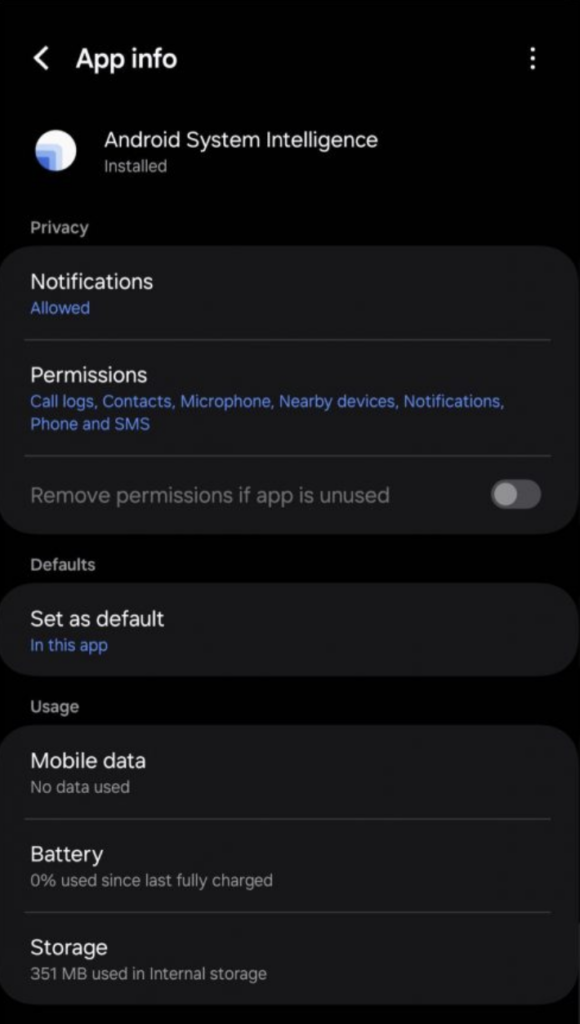
- The Solution: Open-source apps like Fasten or CommonHealth act as intermediaries. They log into your hospital portal, scrape the data, and, crucially, now write it to the Android 16 Health Connect database using the new FHIR standard.
- The Trick: Look for the “Nightly” or “GitHub” builds of these apps rather than the Play Store versions, as the F-Droid/GitHub releases often contain the experimental “Write to Health Connect” features that Google Play is still reviewing.
4. The Brain: Android System Intelligence (ASI)
This is the unsexy “system component” that nobody talks about, but it is critical for privacy.
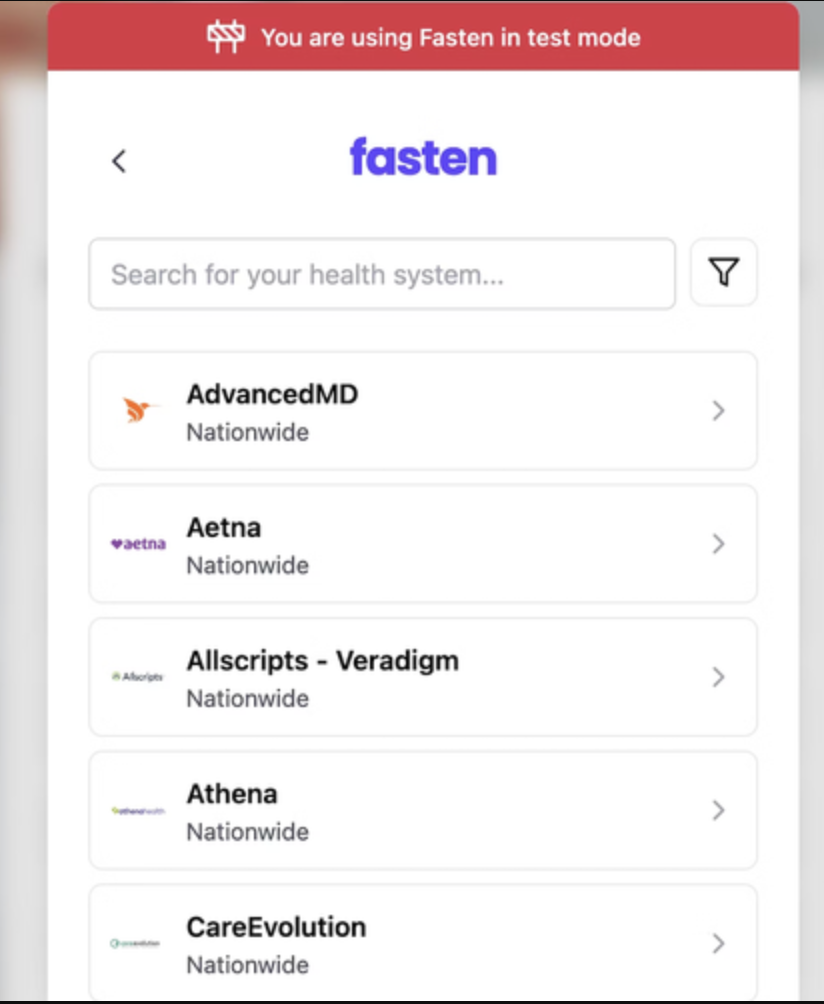
- The Role: Android 16 uses a “Private Compute Core” to ensure that when an app asks, “Is this user allergic to Penicillin?”, it gets a “Yes/No” answer without seeing your entire medical history. This logic is handled by Android System Intelligence.
- Why Update? The stock version of ASI on your phone is often months old. Sideloading the latest build (often labeled with “U.12” or “V.02” for Android 15/16) ensures that the on-device machine learning models can properly parse the complex FHIR data formats without crashing or leaking data to the cloud.
Why Is This a Big Deal?
For years, Android health data was fragmented. Your steps were in Samsung Health, your heart rate in Fitbit, and your blood test results in a PDF in your email.
With Android 16’s FHIR support, your phone finally becomes a centralized medical wallet. It allows different apps to “read” your allergy info (with your permission) without you typing it in every time.
A Warning Before You Sideload
Remember, we are dealing with sensitive health data here.
- Verify the Source: Only download these APKs from trusted sources like APKMirror or F-Droid. Never download a “Health” app from a random Telegram channel.
- Check Permissions: When you install these updates, Android 16 will ask you to explicitly grant access to “Medical Records.” This is a new, high-security permission – read the prompts carefully.
Happy updating, and here’s to starting 2026 with all your medical history in your pocket (and not on a fax machine).