



Why settle for a watered-down mobile spin-off when your phone’s processor is literally powerful enough to run the actual PC game?
If you are an Android user in 2026, you are walking around with a supercomputer in your pocket. Modern flagship chips, like the Snapdragon 8 Gen 3 and the brand new Snapdragon 8 Elite, pack enough graphical horsepower to make a 2018 gaming laptop sweat. But for a long time, we were stuck using that power to play games where the main mechanic was tapping gems to buy anime characters.
Not anymore. Thanks to the magic of sideloading and an incredible open-source app called Winlator, running full Windows PC games natively on your Android phone is no longer a pipe dream. It is a reality, and it works shockingly well.
Here is exactly how mobile gamers are bypassing cloud streaming and turning their smartphones into actual PC handhelds in 2026.
What on Earth is Winlator?
If you are new to the emulation scene, Winlator sounds like black magic. It is an Android application that allows you to run x86 and x64 Windows applications directly on your ARM-based smartphone.
It does not rely on a Wi-Fi connection, and it is not streaming a video feed from a server farm in another state. It uses a combination of translation layers – specifically Wine, Box86, and Box64 – to translate Windows PC code into a language your Android phone can understand in real-time.
“Winlator bridges the massive architecture gap between desktop PCs and mobile devices. It gives you native control over PC applications without ever touching the cloud.”
The project is completely free, open-source, and does not require a subscription. Since it violates Google Play’s strict policies regarding emulation and executable code, you will not find it in the official store. You have to sideload the APK.
The 2026 Performance Leap
In the early days of Winlator, booting up a 2D indie game was a massive achievement. But with the release of Winlator 11.0 in early 2026, coupled with modern Adreno GPUs, the compatibility list has exploded.
Players are no longer just running retro titles; they are tackling AAA giants. If you have a device with at least 8GB of RAM and a recent Snapdragon processor, the performance will genuinely surprise you. –
Here is a quick look at what the community is currently running at playable framerates (30 to 60 FPS) directly on their Android devices:
| Game Title | Genre | Performance on Snapdragon 8 Gen 3 |
| Fallout 4 | Open-World RPG | Highly playable (Smooth 60 FPS indoors) |
| The Witcher 3: Wild Hunt | Action RPG | Solid 30-40 FPS on medium settings |
| Dark Souls 3 | Action / Soulslike | Playable, minor stuttering in large areas |
| Grand Theft Auto V | Open-World Sandbox | Very smooth, highly optimized translation |
| Devil May Cry 5 | Hack and Slash | Impressive 60 FPS with tweaked graphics |
How the Setup Actually Works
Sideloading the app is only the first step. Winlator is essentially an entire Windows desktop operating inside a sandbox on your phone, meaning you have to set up your environment.
- Install the APK: Download the latest Winlator APK from the official GitHub repository or a trusted archive site like Uptodown, and grant your browser permission to install unknown apps.
- Install the OBB File: The app requires a large data file (OBB) to function. You will need to drop this file into your phone’s standard Android/obb directory.
- Create a Container: Open the app and create a “Container.” This is your virtual PC. Here, you can adjust the screen resolution, assign how many processor cores the game is allowed to use, and select your graphics driver (usually a version of DXVK for Vulkan support).
- Load Your Games: Winlator does not provide the games. You have to legally source your own DRM-free PC game files (like those from GOG or unencrypted Steam backups) and transfer the game folders directly into your phone’s internal storage.
- Boot and Play: Launch your container, navigate the Windows-style file explorer to your game folder, double-tap the executable file, and watch the magic happen.
Controls and Compromises
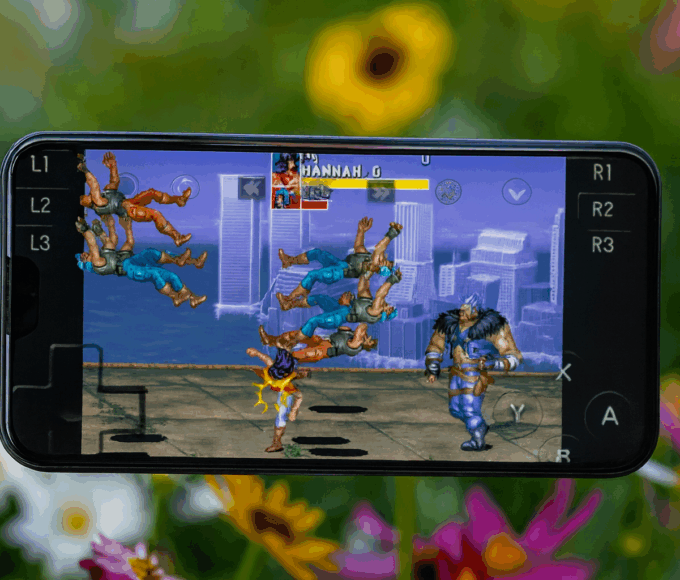
You do not need to carry a mouse and keyboard on the subway to play PC games. Winlator features a highly customizable on-screen touch controller layout. You can drag and drop virtual analog sticks and buttons, mapping them directly to keyboard strokes.
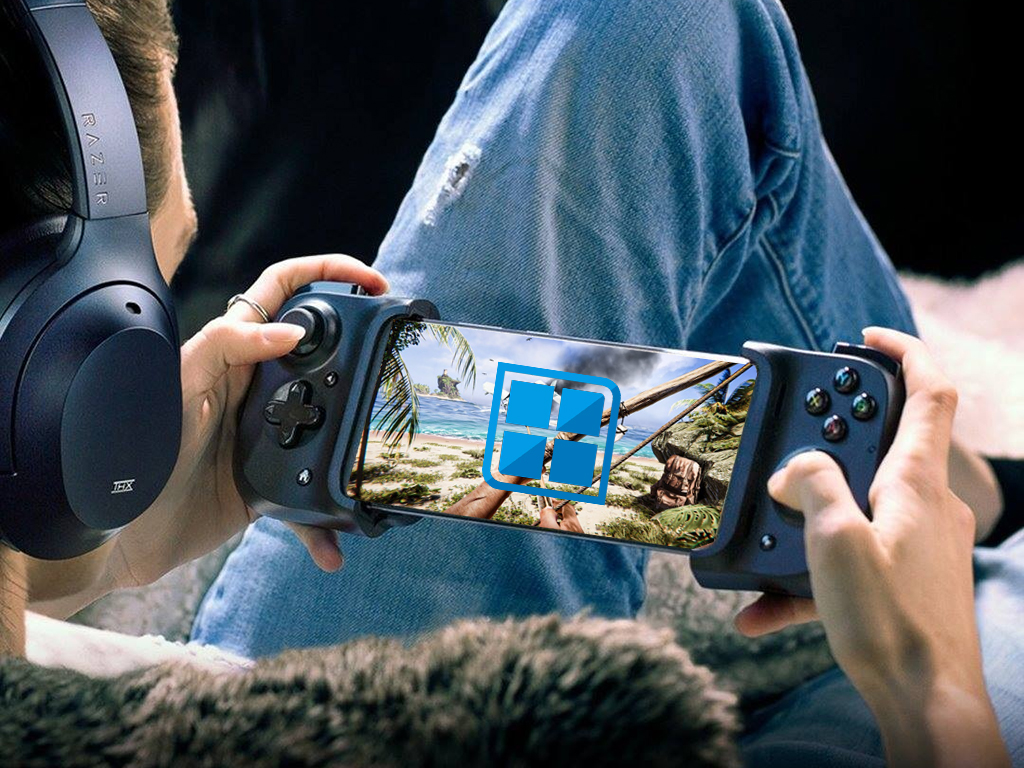
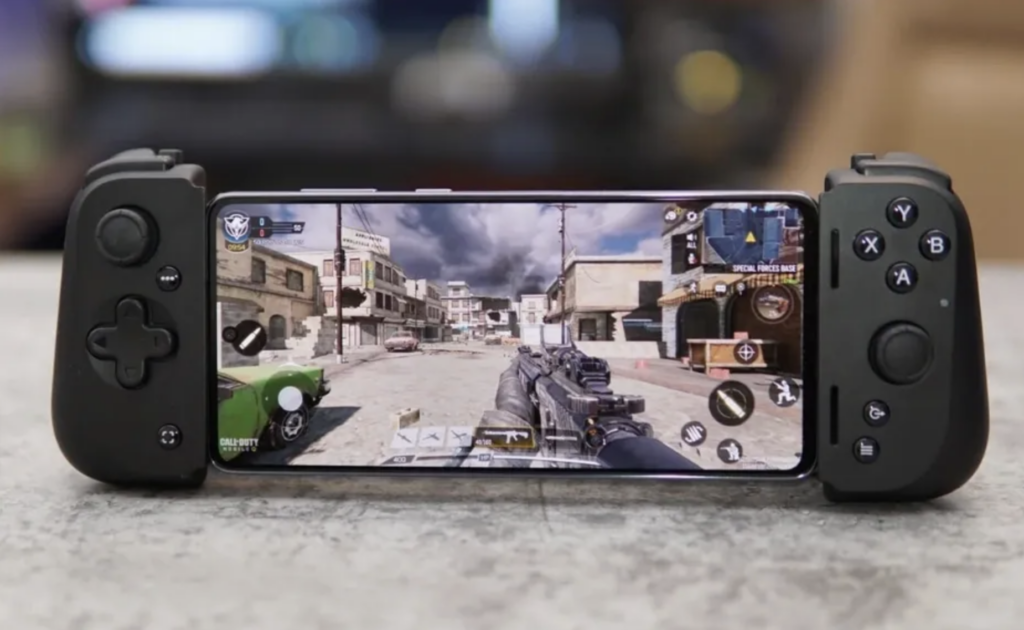
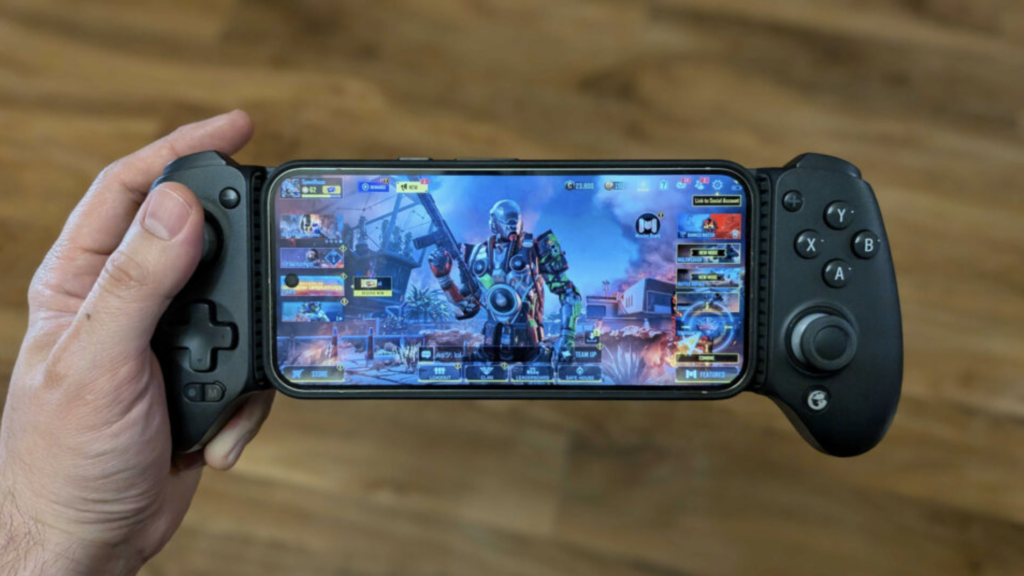
However, for the best experience, pairing a Bluetooth controller – like an Xbox Wireless Controller or a mobile gamepad like the Backbone One – turns your phone into a legitimate Steam Deck competitor.
There is, of course, a catch. Running a complex translation layer while rendering 3D PC graphics requires immense power. Playing intense titles on your phone will drain your battery incredibly fast, and your device will likely double as a hand-warmer within twenty minutes.
Despite the battery drain, sideloading Winlator is the ultimate flex for Android power users in 2026. Why wait for developers to port their games to mobile when you can just do it yourself?