


You are sitting on the train, holding your Android phone, and you suddenly realize you need a highly specific habit tracker that the Google Play Store just does not seem to have. A couple of years ago, you would have sighed and opened a standard notes app. Today, in late April 2026, you can literally just tell your phone to build the exact app for you before you reach your stop.
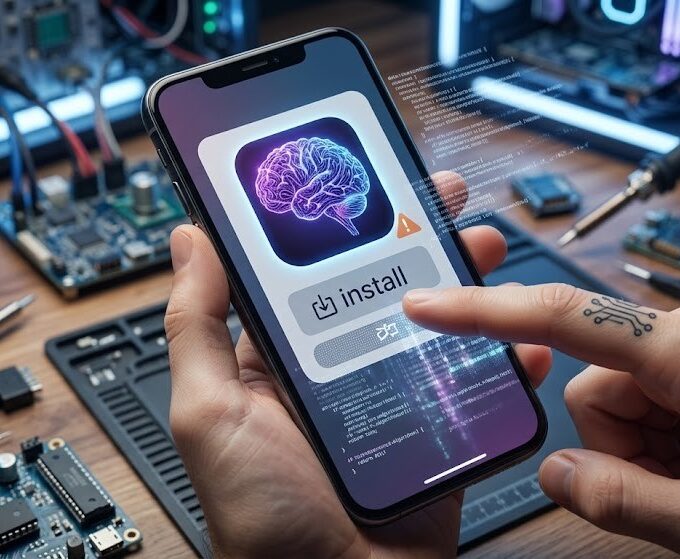
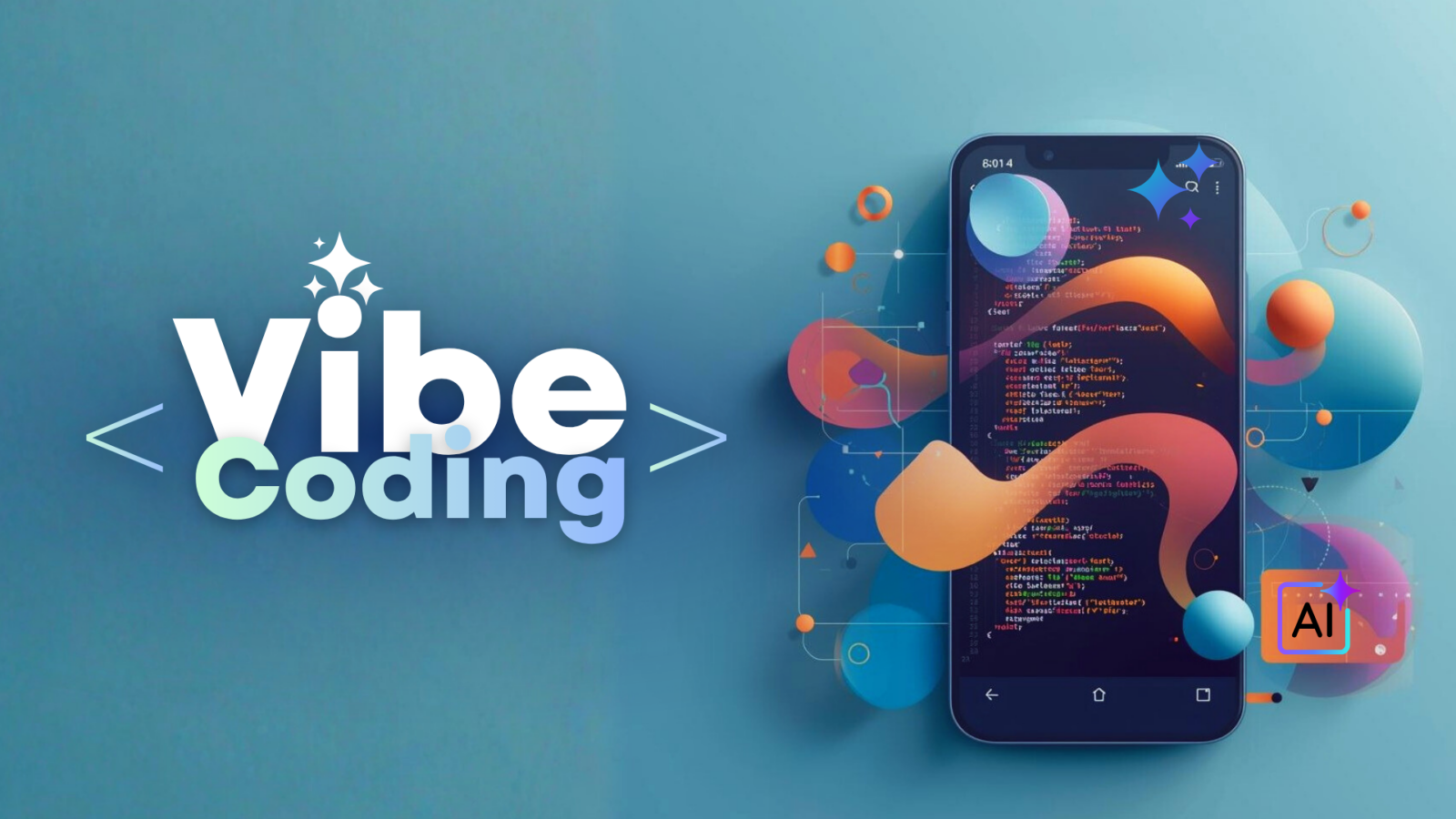
Welcome to the wild, highly productive era of “vibe coding” directly on your Android device. We are not talking about using a cloud-based web browser to ask an AI for Python scripts. We are talking about sideloading specialized, open-source APKs that live securely on your phone, utilize your local mobile processor, and physically compile functional applications while you commute.
If you have never built an app just by describing your “vibes,” grab your coffee and let us dive into the most fascinating tech lifehack of the year.
What Exactly is Vibe Coding?
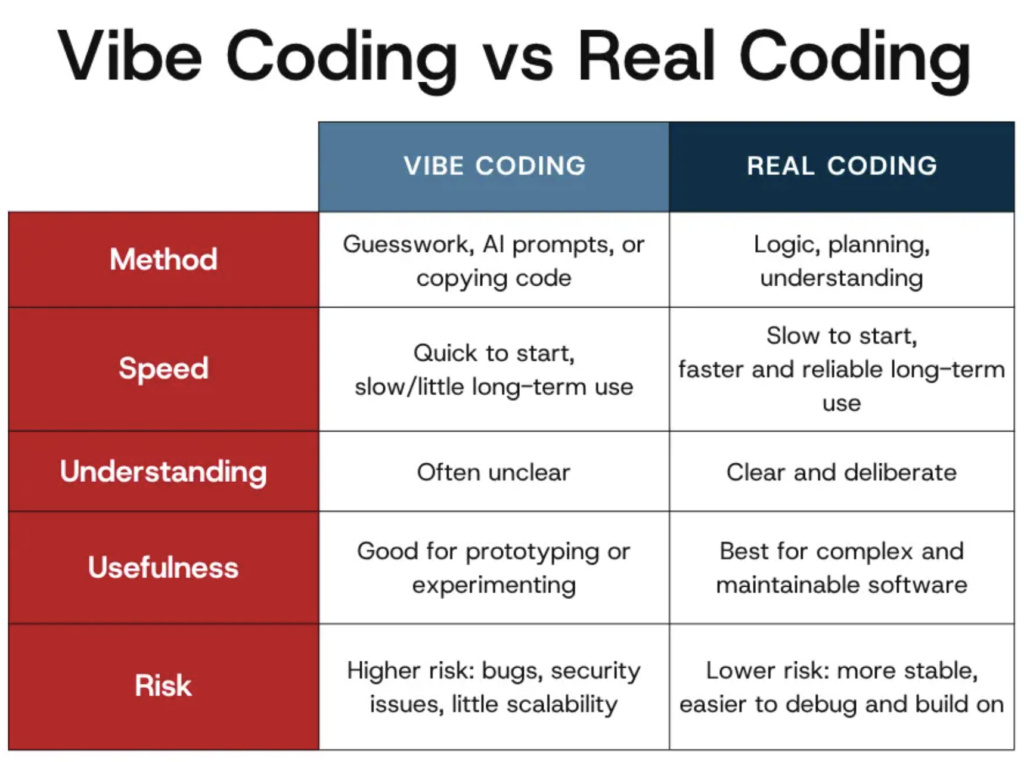
Before we look at the software, we need to understand the term. Coined in early 2025 by prominent AI researcher Andrej Karpathy, “vibe coding” refers to a massive shift in how software is made. Instead of writing code line-by-line, a user acts as a creative director. You write a natural language prompt describing the software you want, and an AI agent handles the actual syntax, bug fixing, and compiling.
It became so popular that it was named the Word of the Year by Collins Dictionary in 2025. It is a revolution that allows non-programmers to build software simply by talking to a machine. But until recently, this required a desktop computer and a reliable internet connection to major cloud providers.
The Android Sideloading Revolution
So, why are Android users bypassing the official app stores to download APK files for this?
Mainstream app stores have incredibly strict rules about applications that can generate and execute new code on the fly, mostly for security and policy reasons. Furthermore, relying on cloud AI means paying monthly subscription fees and requiring constant Wi-Fi connectivity.
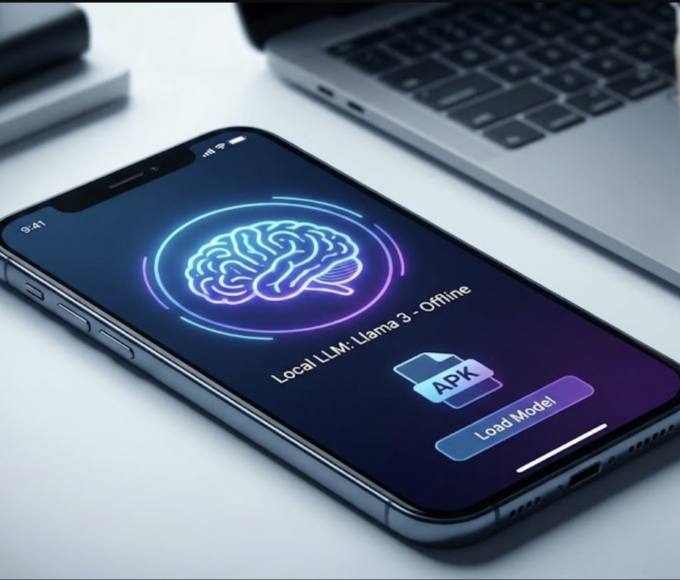
By utilizing the massive leaps in mobile hardware over the last year, specifically the Neural Processing Units (NPUs) inside modern chips, open-source developers have created standalone APKs. These sideloaded applications download specialized Large Language Models directly to your local storage, allowing you to vibe code completely offline, safely sandboxed from the rest of your system.
The Heavy-Hitting APKs of 2026
If you are ready to turn your smartphone into a pocket-sized software studio, here are the types of factual tools Android power users are actively installing right now.
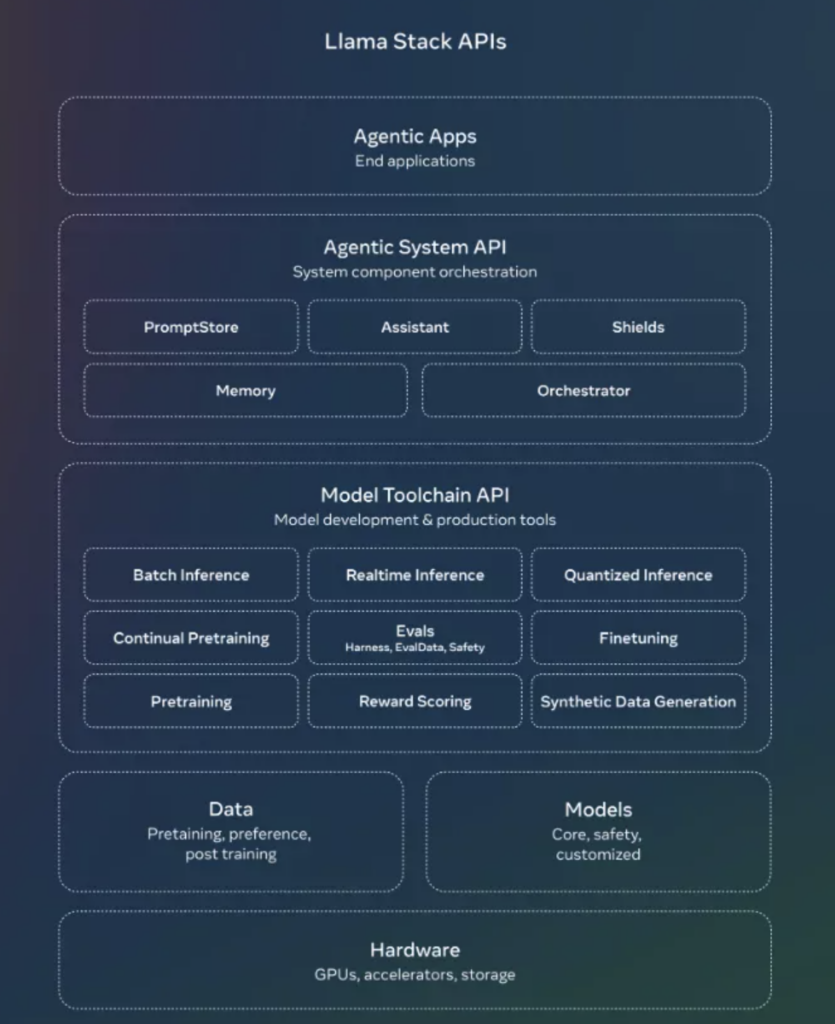
- Local AI Builders: These are the current undisputed kings of offline vibe coding. Once installed via a trusted APK repository, apps in this category download an optimized, quantized model (often based on Meta’s Llama or Microsoft’s Phi architecture). They feature built-in secure environments. You prompt the app to build a utility, and it renders a functional preview right on your screen without ever pinging a remote server.
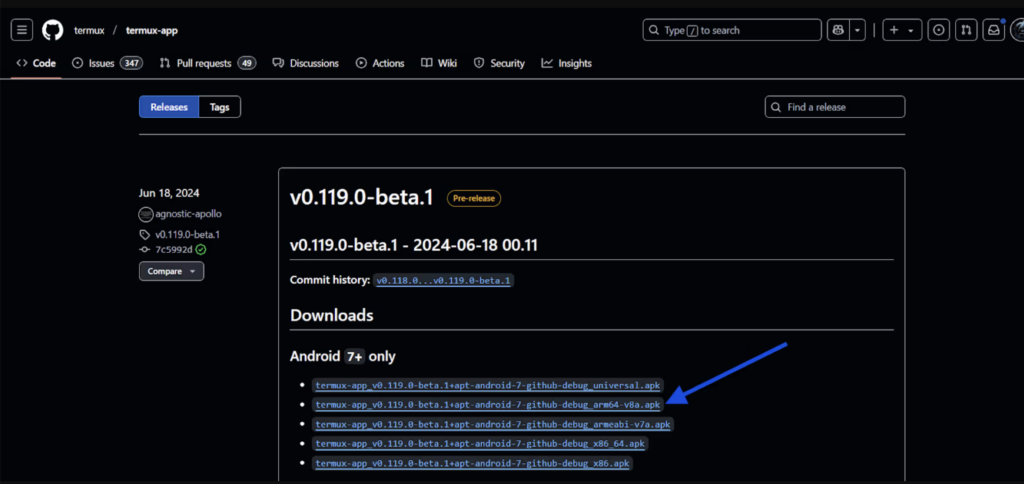
- Termux-AI Packages: For users who want slightly more control, the legendary Termux Linux emulator for Android has seen a massive resurgence. Developers have built specialized community packages that allow you to install agentic AI coders directly into your local mobile terminal. It is less visual, but incredibly powerful for generating Python scripts or automating local file organization.
- PWA Generators: A relatively new wave of open-source APKs focuses entirely on Progressive Web Apps. You describe the user interface you want, and the local AI generates the HTML, CSS, and JavaScript, instantly launching it in a secure local browser wrapper that functions exactly like a native app.
“Vibe coding on mobile is not about creating the next massive multiplayer 3D game. It is about creating hyper-personalized, disposable software that solves a specific workflow problem you are having right this second.”
The Commuter Workflow: Building an App in 15 Minutes
To prove this is not science fiction, here is exactly what the vibe coding workflow looks like when you use one of these offline APKs during a morning commute:
- The Initial Prompt: You open your local AI builder and type: “Build me an offline checklist app for my grocery shopping. I want the background to be dark mode, and I need a single button that clears all checked items at once.”
- The Generation Phase: Your phone’s NPU kicks into high gear. You might actually feel the back of your phone get a little warm as the local language model processes the request and generates the necessary code framework in real-time.
- The Review and Refine: The app renders a live preview. You notice the text is slightly too small for your liking. You simply prompt again: “Make the checklist font larger and change the clear button to bright red.” The AI instantly updates the local code.
- The Export: Once the “vibe” matches your vision, you hit export. The APK packages the code into a functional local shortcut directly on your Android home screen.
Hardware Realities and Limitations
Before you rush to alternative app repositories to download these tools, we have to look at the factual hardware requirements. Local AI generation is incredibly demanding on mobile architecture.
| Feature | The Marketing Dream | The 2026 Reality |
| App Complexity | Full 3D games and massive databases | Single-function utilities, calculators, and trackers |
| Hardware Required | Any old Android phone | Requires a modern NPU and at least 8GB to 12GB of RAM |
| Battery Life | Lasts all day without issues | Heavy local generation can drain 15% battery in 20 minutes |
| Security | Magically secure | You must still verify the source of your sideloaded APK |
The Bottom Line
The fact that we can now sit on a train, converse with our phone, and have it autonomously program a custom application using nothing but local hardware is genuinely staggering. Vibe coding on Android democratizes software creation, shifting it from a highly technical, syntax-heavy skill to a purely creative and accessible one.
If you have a recent Android device, a bit of storage space, and a specific workflow problem that needs solving, look beyond the traditional app store today. Track down a reputable local AI builder APK, describe your perfect app, and let your phone’s processor do the heavy lifting.