



If you have spent the last few years trying to play heavy-hitting PC games on your phone, you probably know the struggle. You either had to rely on cloud streaming services that lag the second your Wi-Fi dips, or you had to settle for watered-down mobile spin-offs that felt nothing like the real games.
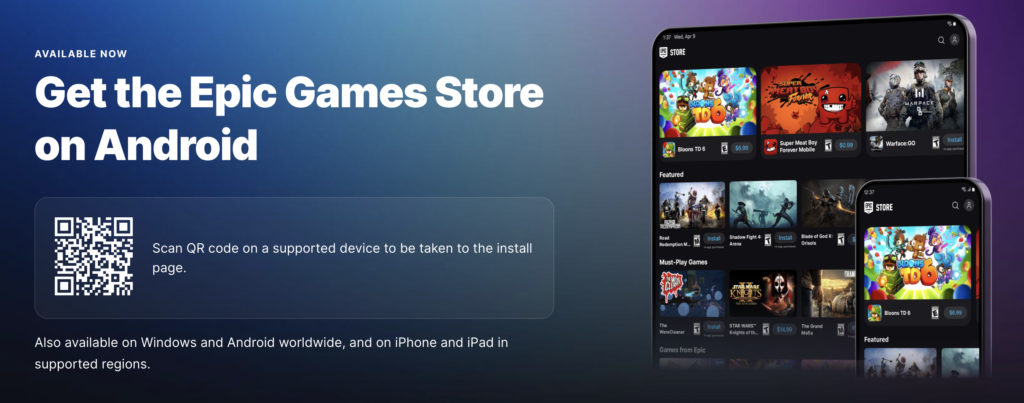
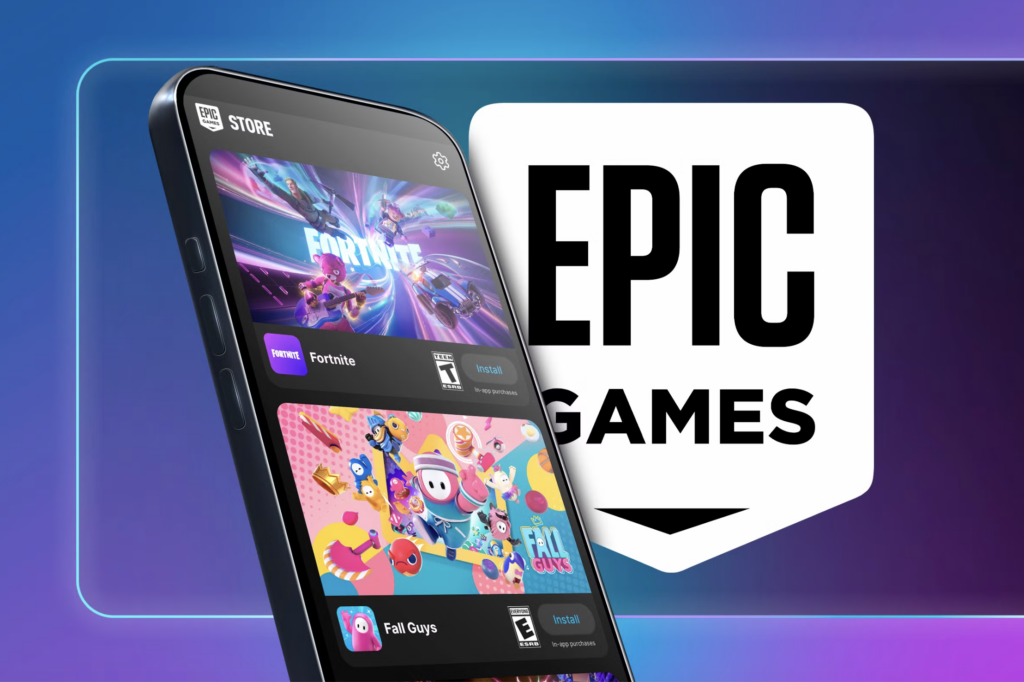
Thankfully, the landscape of mobile gaming has officially shifted. The Epic Games Store is now available worldwide on Android devices. Rather than forcing players to stream from the cloud, Epic is bringing massive, native ports directly to your pocket.
Here is everything you need to know about the new Android storefront, the games you can play right now, and how to get your hardware ready for the native mobile experience.
No More Compromises: The Launch Titles
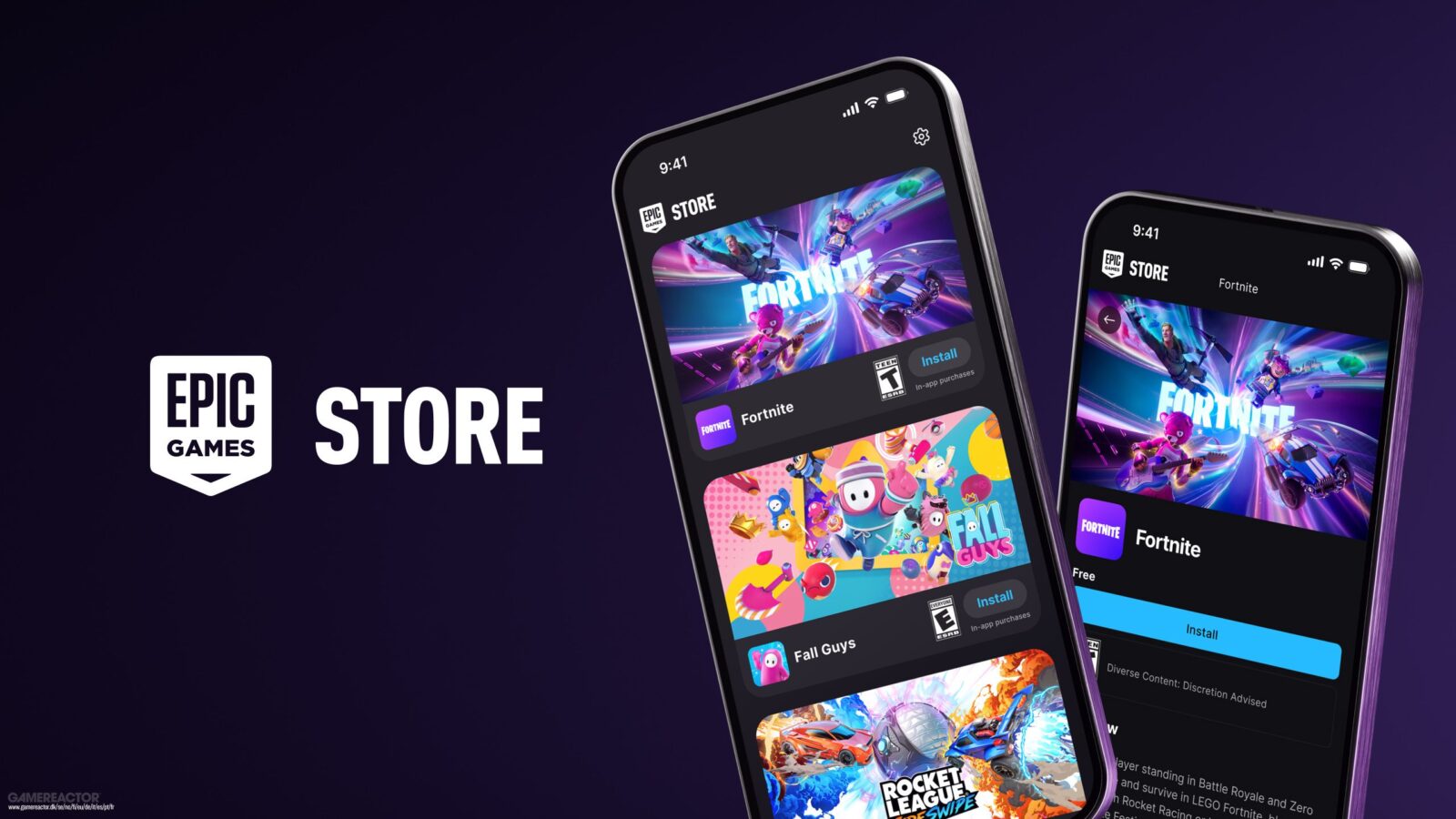
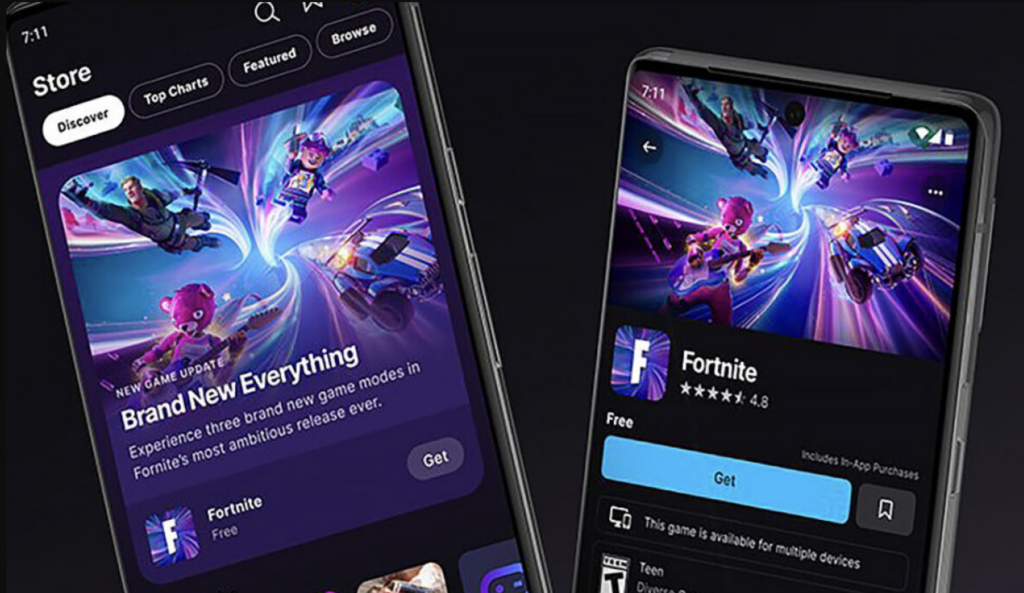
The biggest draw of the Epic Games Store on Android is that it does not treat mobile gamers like second-class citizens. The storefront is free to install, and it launched with three massive free-to-play titles: Fortnite, Fall Guys, and Rocket League Sideswipe.
For years, playing Fall Guys meant you had to be glued to a computer monitor or a living room console. Now, the iconic battle royale platformer is available to download as a full mobile port.
“This is the same Fall Guys you know and love, without compromise. You get the exact same updates, fame passes, levels, and costumes across all platforms.”
Even better, these titles fully support cross-platform play and cross-platform progression. If you unlock a brand-new pickaxe in Fortnite on your PlayStation 5, it will be waiting for you in your locker when you log into the Android app. You can seamlessly team up with your friends, regardless of whether they are playing on a PC, an Xbox, or an iPhone.
The 2026 Social and Security Updates
Playing native games is fantastic, but Epic recognized that modern gaming is inherently social. In early 2026, the company rolled out significant updates to the Android mobile experience, integrating powerful social and security features directly into the ecosystem.
By updating the Epic Games Store mobile app, players now have access to a unified cross-platform text chat system. This means you can send direct messages or participate in group chats with up to 16 members straight from your Android phone, and those conversations will sync with your PC and console.
Additionally, the mobile suite now includes the Epic Authenticator. You can securely manage your two-factor authentication (2FA) directly from your device, ensuring your account, digital purchases, and game progress remain entirely safe from unauthorized access.
Hardware Requirements: Can Your Phone Run It?
Before you jump into a battle royale match, you need to make sure your Android device is up to the task. The Epic Games Store application itself is incredibly lightweight, but the native games it hosts will demand some processing power.
Here are the official specifications you need to know:
| Hardware Aspect | Minimum Requirements | Recommended Specifications |
| Operating System | Android 8 / SDK 26 | Android 14 / SDK 34 |
| Store App Size | ~25 MB of storage space | ~25 MB of storage space |
| Game Storage | Varies heavily by title | Varies heavily by title |
| Regional Availability | Global (Excluding US-sanctioned areas like North Korea and Iran) | Global (Excluding US-sanctioned areas) |
Note: While the storefront only requires Android 8 to run, Epic Games explicitly states that the minimum specifications for the actual games, like Fortnite, may be much higher.
How to Safely Install the Storefront
Because the Epic Games Store is a direct competitor to the Google Play Store, you will not find the game launcher by searching for it on Google’s default marketplace. Instead, you need to safely sideload the application directly from Epic Games.
The process is incredibly simple:
- Visit the Website: Open your phone’s mobile browser and navigate to the official Epic Games website.
- Download the App: Tap the “Install” button located at the top right corner of the page, and select “Install on Android”.
- Allow Permissions: Because you are downloading an app outside the Play Store, your phone will generate a security prompt. Go to your device’s Settings and toggle the option to allow the installation.
- Log In and Play: Once the installation finishes, tap “Install,” open the app, log in with your Epic Games account, and start downloading your favorite games.
The Bottom Line
The arrival of the Epic Games Store on Android is a massive win for mobile gamers everywhere. By tearing down the walls between PC, console, and mobile gaming, Epic is proving that your smartphone is a completely viable platform for competitive, high-fidelity gaming. Make sure your phone has plenty of free storage space, install the store, and enjoy your victory royales on the go.