




Have you ever found yourself endlessly scrolling through the Google Play Store, trying to find an app to solve a very specific problem, only to be met with hundreds of copycat applications that all share the exact same title? For years, finding the right APK was a massive headache.
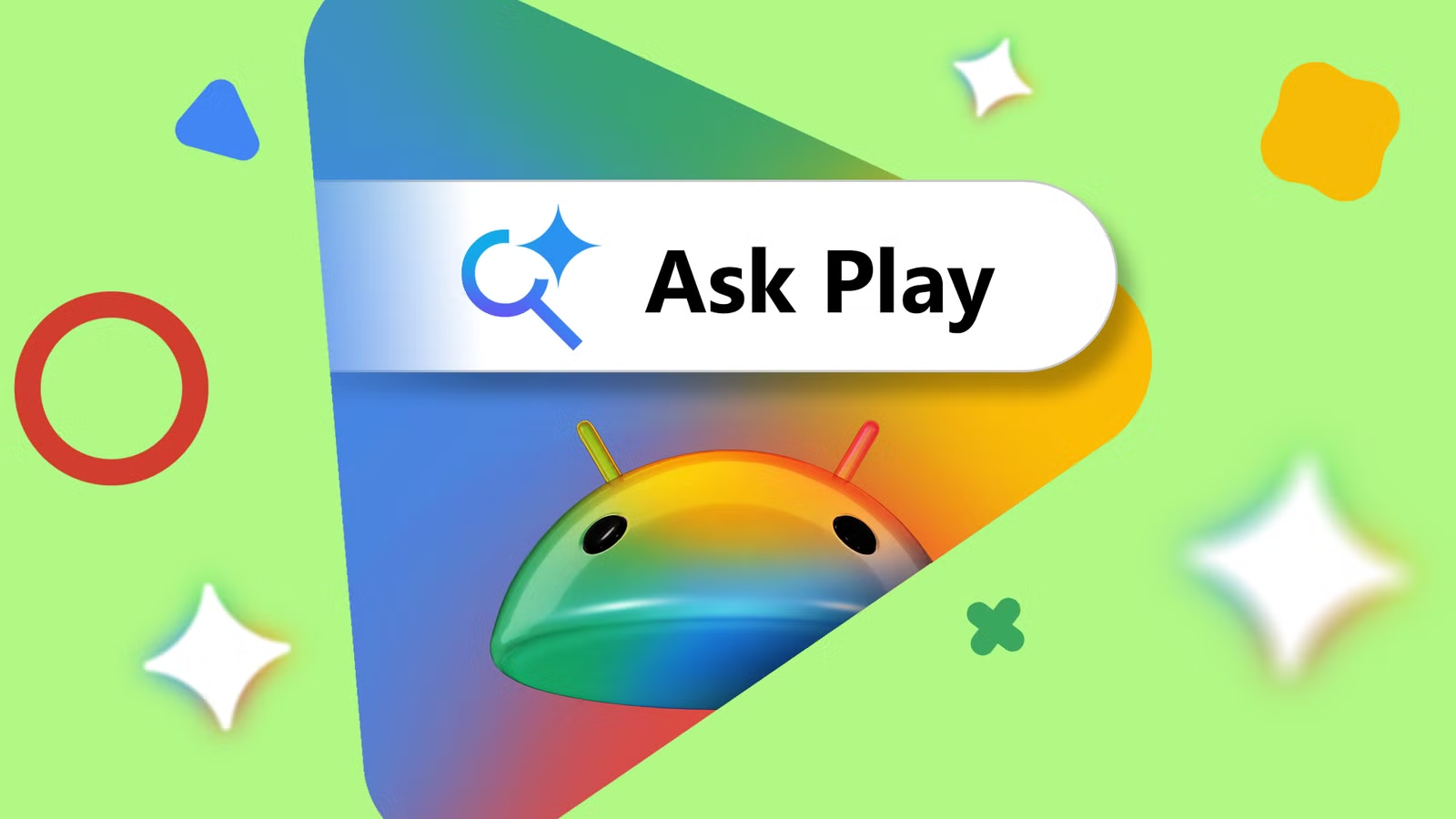
Well, as of late May 2026, everything changed. Following the major announcements at Google I/O, the Play Store officially rolled out “Ask Play,” a brand-new, Gemini-powered conversational interface. Instead of typing blunt keywords into a search bar, users are now chatting with an AI to find exactly what they need.
If you are an app developer, this is a massive wake-up call. The old rules of App Store Optimization (ASO) are officially dead. If you want your app to be discovered in the age of conversational search, you have to fundamentally change how you present it. Here is everything you need to know to optimize your listing for Ask Play today.
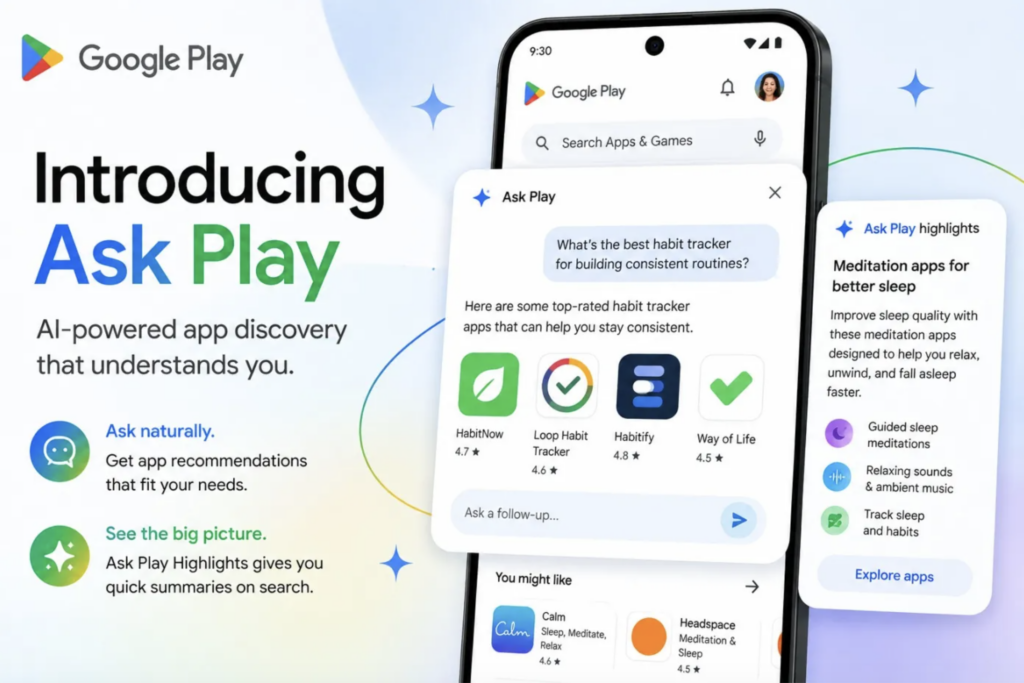
What Exactly is Ask Play?
Before we start tweaking your metadata, we need to understand the new playing field. Ask Play is an interactive overlay within the Play Store that allows users to perform multi-step, natural language searches.
Instead of typing “budget tracker,” a user can now open the Play Store and type, “Find me a budgeting app that doesn’t require linking my bank account, is completely free, and has a dark mode.”
The AI processes that highly specific intent, scours the Play Store, and delivers personalized recommendations. On top of that, Google introduced “Ask Play Highlights,” which places an AI-generated summary right at the top of the search results explaining exactly why these specific apps fit the user’s criteria. If your app listing cannot be easily understood by a Large Language Model, you are going to lose out on thousands of downloads.
The Death of Keyword Stuffing
For the last decade, developers played a game of algorithmic bingo. We all know those apps with titles like “Photo Editor Pro – Free Crop Filter Magic 2024.” It looked ridiculous, but it worked because the old search engine relied heavily on exact-match keywords.
With Ask Play, that strategy will actively hurt you.
The new search engine understands semantic context, which means a word salad of keywords will simply confuse the AI or flag your app as low-quality spam. The AI is looking for clear, concise, and human-readable explanations of what your app actually does. You need to transition from writing for a mindless algorithm to writing for a smart assistant.
“To survive the Ask Play update, developers need to stop explaining what their app is called and start explaining why someone should actually care.”
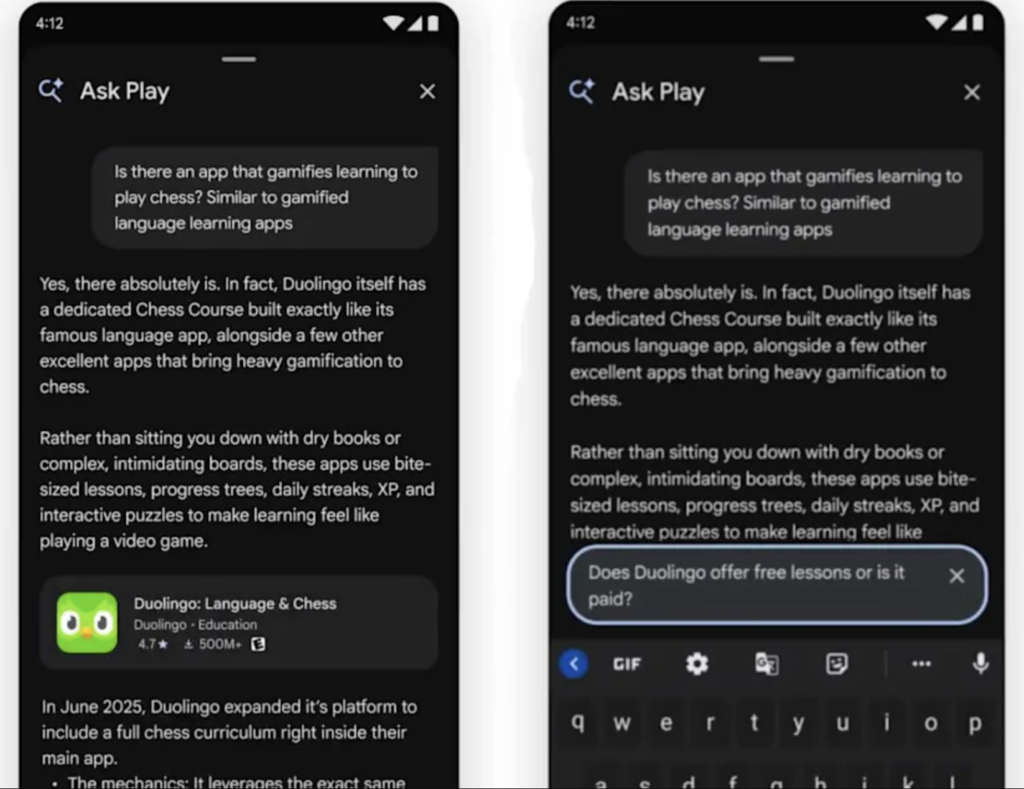
How to Optimize Your Listing Today
So, how do you actually get the Play Store to recommend your APK? It comes down to providing context and proving your app’s true value. Here are the core strategies you need to implement right now:
- Write for Intent, Not Search Volume: Stop obsessing over short-tail keywords. Your long description needs to clearly articulate the specific problems your app solves. Use natural, conversational language. If you have a meditation app, explicitly state who it is for: “Designed for busy professionals who only have five minutes to relax before a meeting.”
- Lean heavily into your unique features: Ask Play is brilliant at filtering. If your app works offline, doesn’t require an account, or has a specific accessibility feature, state it loudly and clearly in your first paragraph. Users will specifically ask for these traits, and the AI needs to easily find them in your text.
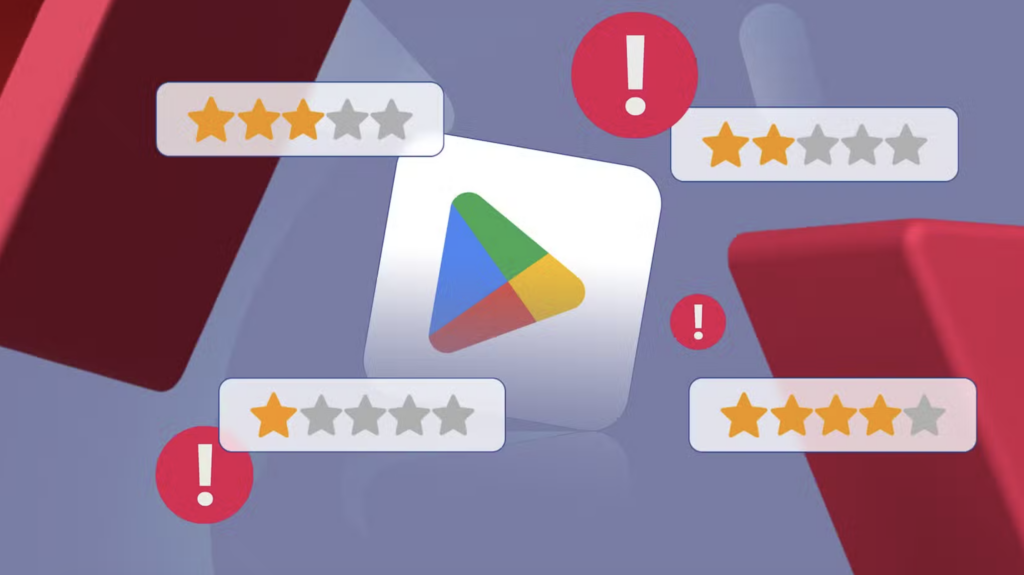
- The Power of User Reviews: This is the secret weapon of the new era. The AI does not just read your description; it reads your user reviews. If a user asks for “a racing game that runs well on older phones,” the AI will scan reviews to see if players are praising the performance. You need to encourage your users to leave highly specific reviews rather than just asking for a five-star rating.
Old ASO vs. Ask Play ASO
To make the transition crystal clear, here is a quick breakdown of how your mindset needs to shift to succeed in 2026:
| Strategy Area | The Old Way (Pre-2026) | The New Way (Ask Play) |
| App Title | Stuffed with keywords (e.g., VPN Fast Secure Free) | Clean, branded, and memorable |
| Description | Bullet points of generic features | Conversational paragraphs explaining the use case |
| Search Queries | Targeting “Best photo editor” | Optimizing for “An app to remove background from product photos quickly” |
| Reviews | High volume of simple star ratings | Detailed text explaining specific benefits and device performance |
Do Not Forget the Visuals
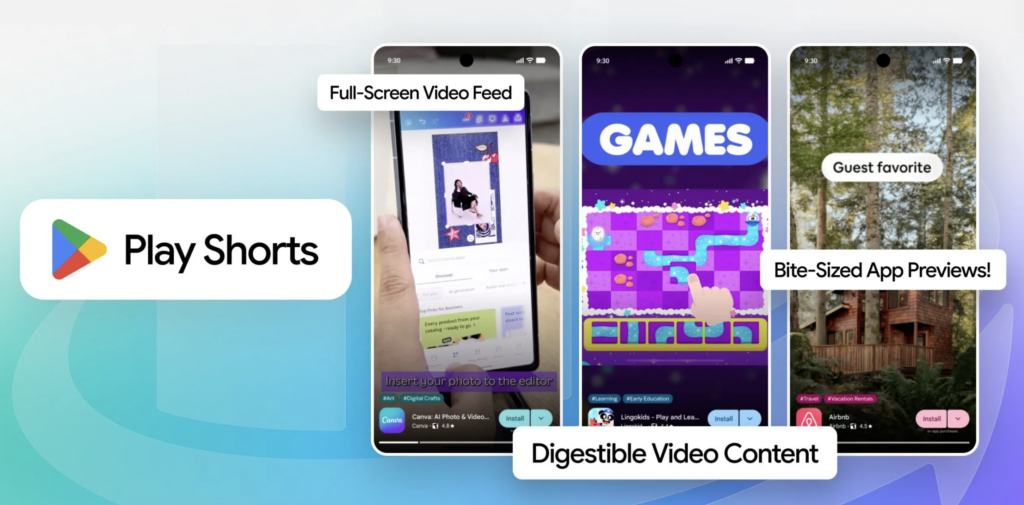
Finally, while text is the primary language of Ask Play, Google is also pushing hard into visual discovery with “Play Shorts.” These are vertical, short-form video loops right in the store that show actual gameplay or app functionality.
When Ask Play recommends your app to a user, a well-made Play Short acts as the final confirmation that the AI got it right. Ensure your promotional videos are up to date and accurately reflect the actual user experience, preventing the AI from recommending something that visually underdelivers.
The shift to conversational AI search is moving faster than anyone anticipated. Take an hour this week to read through your app’s listing. If it sounds like a robot wrote it in 2018, it is time for a major rewrite. Optimize for human intent, speak clearly about your features, and let Ask Play do the heavy lifting of finding your perfect audience.