




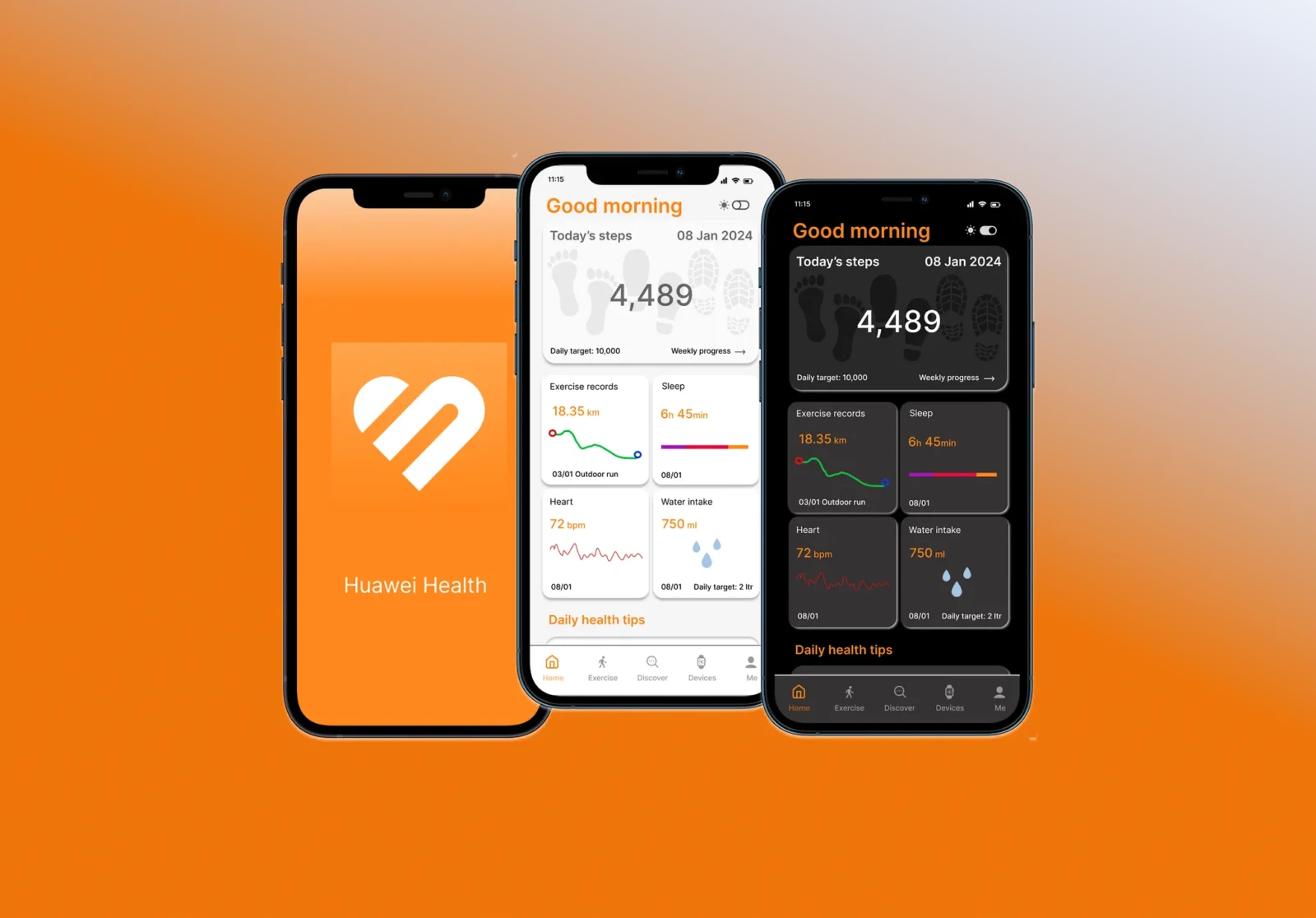
You just unboxed a sleek new Huawei fitness band or smartwatch. You strap it to your wrist, open up the Google Play Store on your Android phone to download the companion app, type in “Huawei Health,” and… nothing. Or worse, you find a bunch of knock-off guide apps that definitely will not sync your heart rate.
Do not panic, your new gadget is not a paperweight. For a while now, Huawei Health has been operating outside the standard Google Play ecosystem. It is a proprietary application that runs almost exclusively within the Huawei ecosystem. But as of July 15, 2026, millions of non-Huawei Android users are still using these fantastic wearables every day. You just have to know the proper workaround to get the official app on your device.
Here is your complete guide to sideloading the Huawei Health APK securely and safely.
Why You Actually Need the Official App
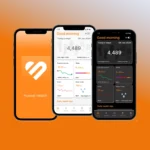
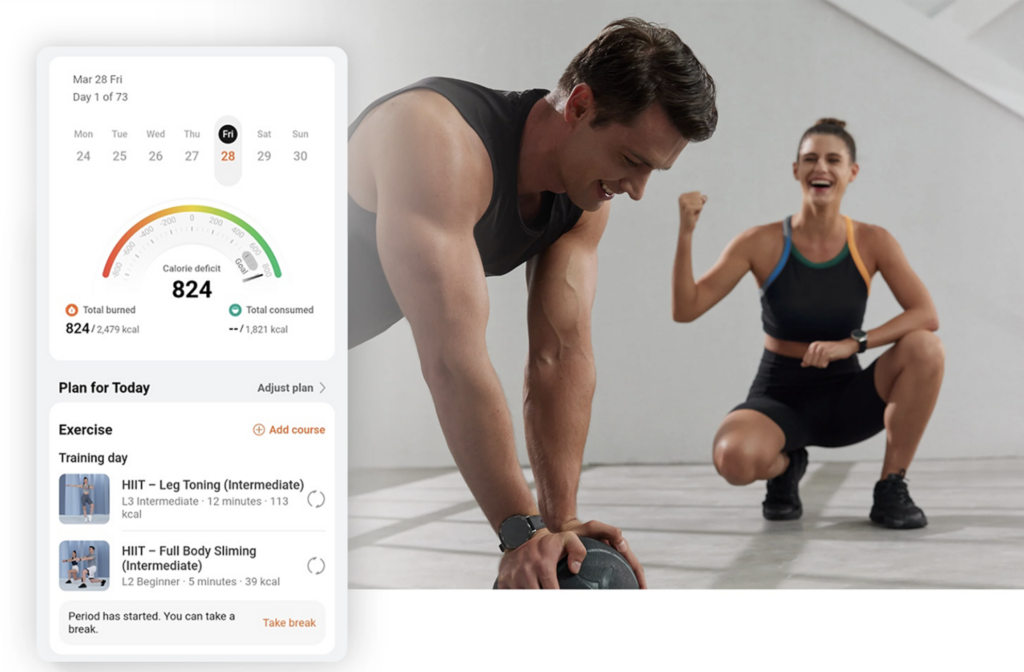
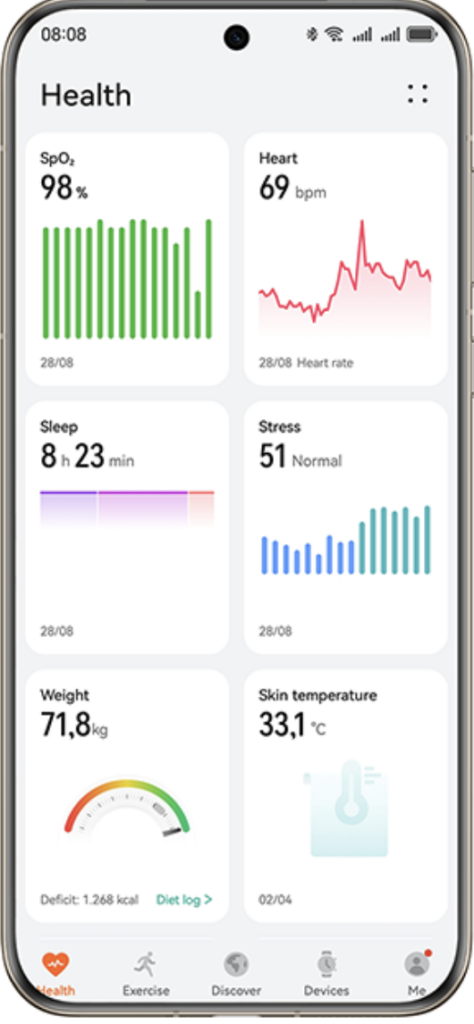
Before we get to the installation, let us talk about why going through this slight hassle is absolutely worth it. The Huawei Health app is essentially the command center for your wearable device. The wearable acts as the primary data collection point, but the app manages the incoming data stream and organizes everything into readable health graphs.
If you are serious about your fitness journey this summer, here is what the official software unlocks once connected:
- Massive Activity Library: The app supports tracking for over 100 different sports and exercise types, allowing you to monitor nearly any physical activity from beginner to advanced levels.
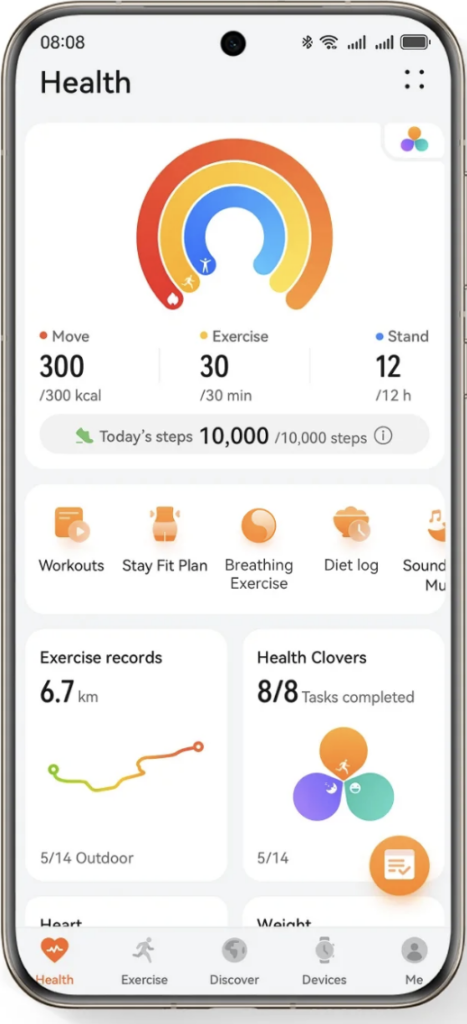
- HUAWEI Activity Rings: These visual rings help you build healthy lifestyle habits by tracking three key daily metrics: Move, Exercise, and Stand.
- Deep Sleep Tracking: With the support of your smart wearable, the software accurately monitors your different sleep stages, including awake, light, and deep sleep cycles, offering scientific advice to help you rest better.
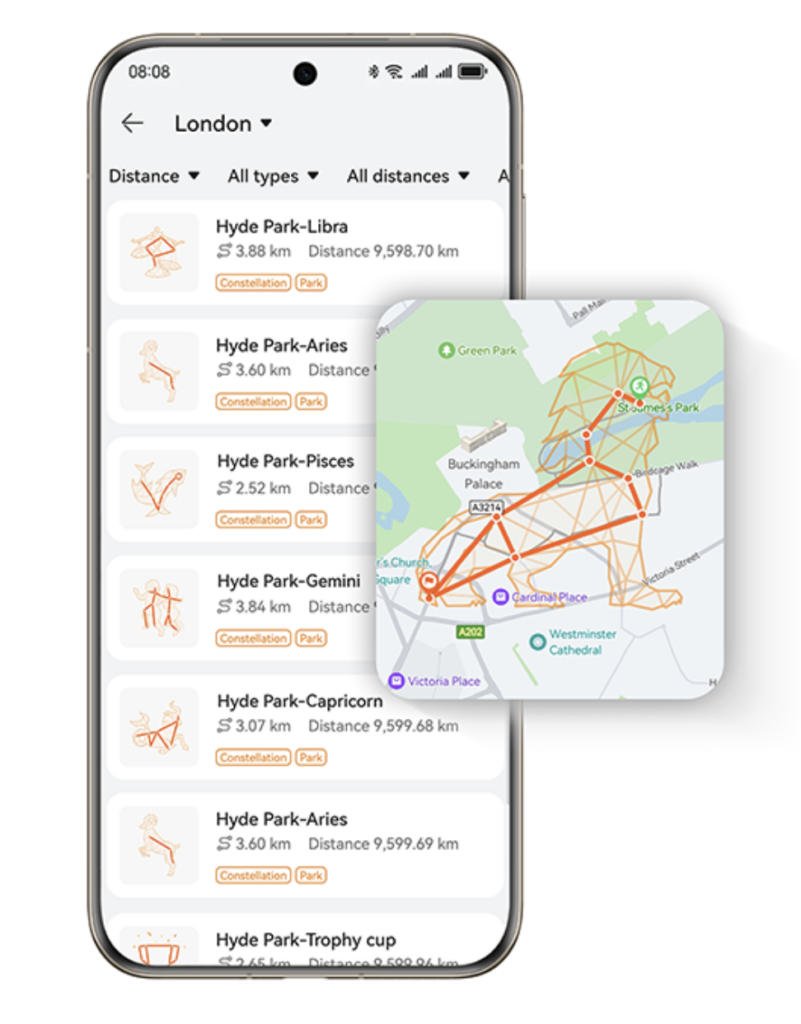
- Multimedia Route Sharing: For outdoor runners, you can actually convert your route data into engaging videos paired with music, which can then be shared with other users.
- Custom Watch Faces: You can add personal style to your wearable by choosing from hundreds of exclusive watch faces, ranging from dynamic sports themes to fun cartoons.
- Cycle Calendar: The app features a menstrual tracker that serves as a trusty companion, reminding users of their next period and helping them understand their hormones better.
The Official Workarounds: Two Ways to Install
Since you cannot just tap “Download” in the Play Store, you need to sideload the APK (Android Package Kit). To run it properly, your device should ideally have a RAM greater than 2GB.
Here are the two safest methods to get it running on your Android smartphone today.
Method 1: The Direct QR Code Download
This is the fastest method, straight from the manufacturer.
- Find the Code: Grab your product manual or the smartwatch packaging and look for the official QR code. You can also find this code by turning on your watch and swiping the screen until the installation prompt appears.
- Scan: Use your phone’s camera or a QR scanner to scan the code. If you cannot scan it directly, you can save it to your photo album and scan it from there.
- Download: This code redirects you to a browser page where you can initiate the download of the Huawei Health app.
- Install: Tap the downloaded APK file. Once installed, Android users can keep the app updated by opening it, tapping “Me”, and then selecting “Check for updates”.
Method 2: The Huawei AppGallery Route
If you want seamless updates in the future without having to manually download new APK files, installing Huawei’s official app distribution platform is the better long-term play.
- Get the Store: Open your mobile browser and navigate to the official Huawei AppGallery download link. Note that this store works on most Android-based phones running Android 5.0 or later.
- Install AppGallery: Touch the download button and follow the onscreen instructions.
- Search for Health: Once AppGallery is installed, simply use its search bar to find “Huawei Health” and install it just like you would from any other digital store.
“HUAWEI AppGallery is secure and reliable. If a system warning message is displayed during installation, touch OK/install anyway to proceed.”
A Quick Word on Safety
When discussing APKs, security is always a priority. Sideloading random files from unverified mirror sites is a fantastic way to compromise your device. Because this app tracks highly personal metrics, like your cardiovascular data and weight history, you must ensure you are getting legitimate software.
Stick strictly to the official Huawei website or the AppGallery. The AppGallery utilizes multi-layer security detections, including malicious behavior detection, manual real-name verification, and security vulnerability scanning to assure your downloads are safe.
Keep Your Steps Counting
Do not let a missing Play Store link stop you from hitting your summer fitness goals.
| Installation Method | Best For | Requirement |
| Direct QR Scan | Fast, one-time setup | Smartwatch screen or original box |
| AppGallery Install | Seamless future app updates | Android 5.0 or later |
Take five minutes to use one of these safe workarounds, get your smartwatch synced, and get back out on the running trail. Your health data is waiting!